


English
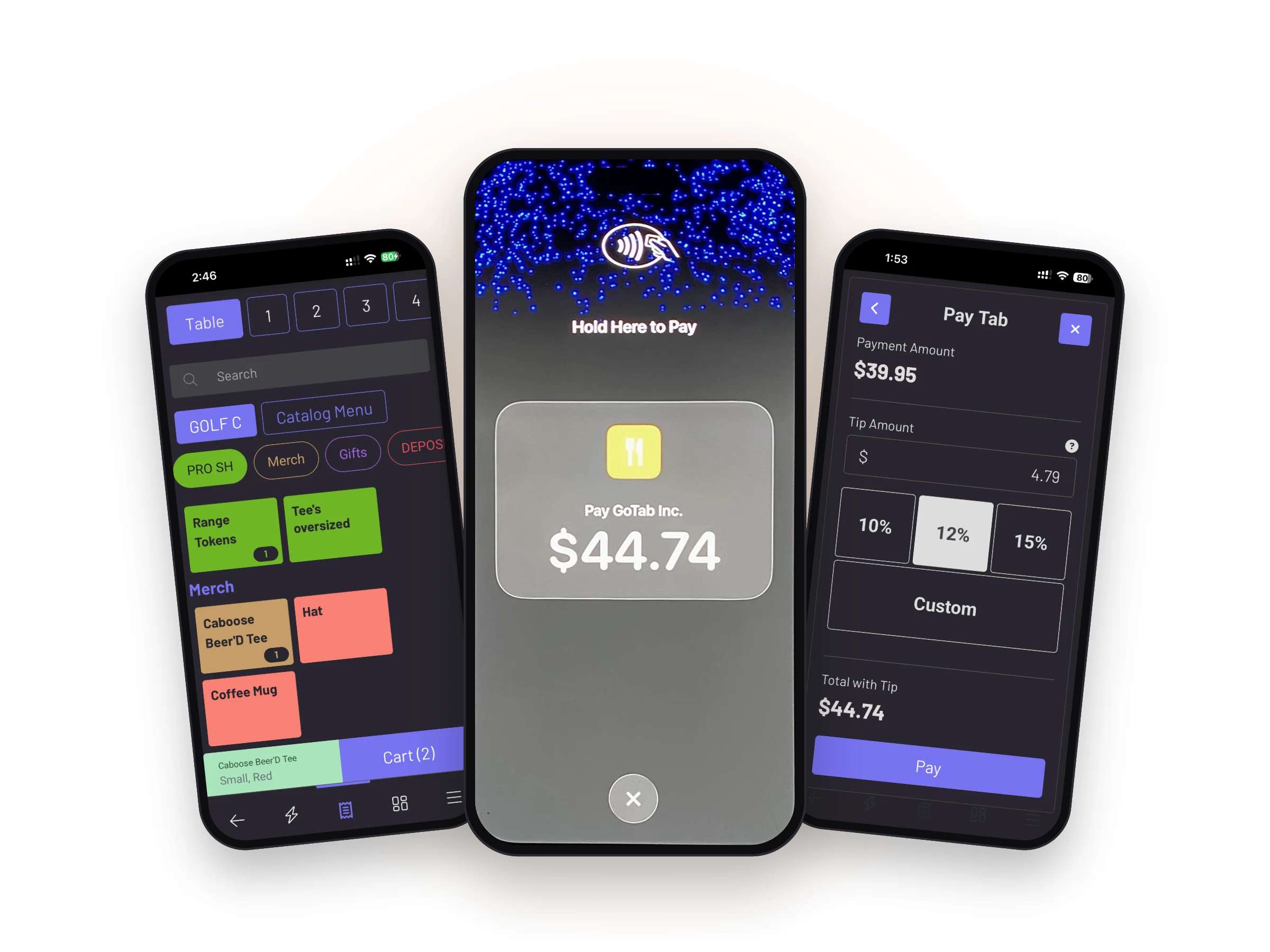



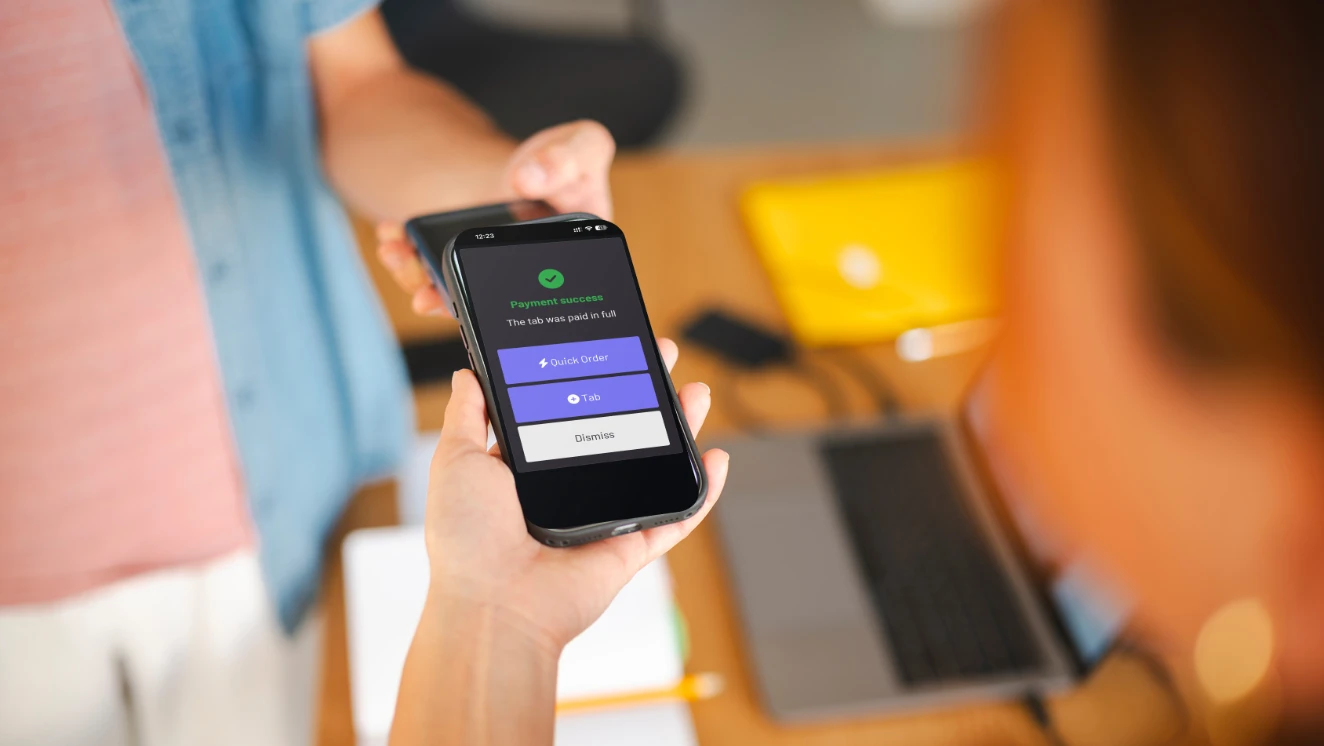
The phone is the reader. No dock, dongle or terminal, so an extra service point costs nothing to add.

A phone running Tap to Pay does not count as a station, so it adds no per-terminal charge to your monthly bill.

It arrives as an update to the GoTab app your staff already use — same interface, same workflow.

Take payment on a patio, at a bar that only opens on Fridays, or in a queue that formed where nobody planned for one.
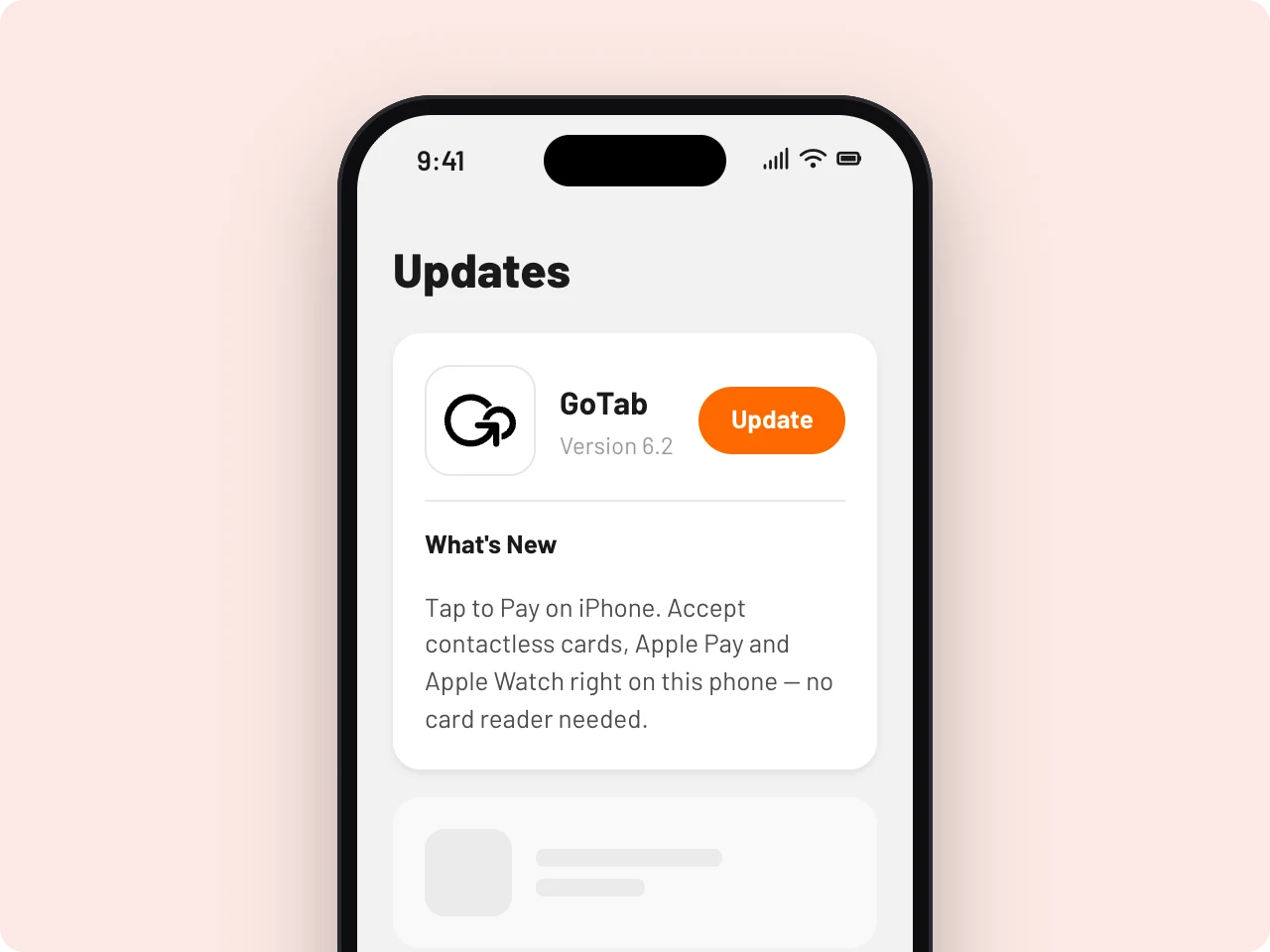
Staff update the GoTab iOS app. No new app to install and no new device.
A one-time acceptance on first use, on each phone.
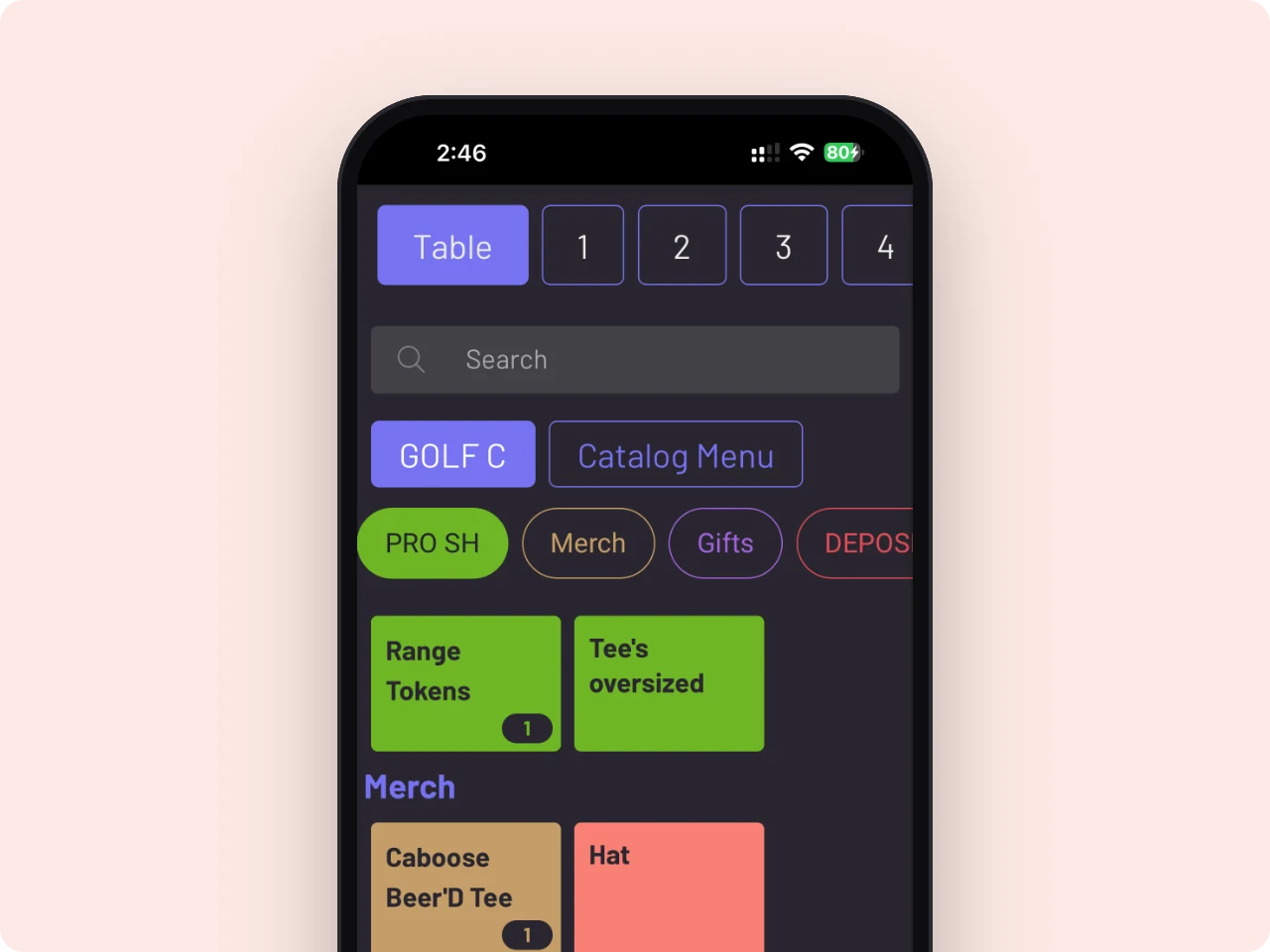
Ring the order the way you already do. Nothing about the workflow changes.
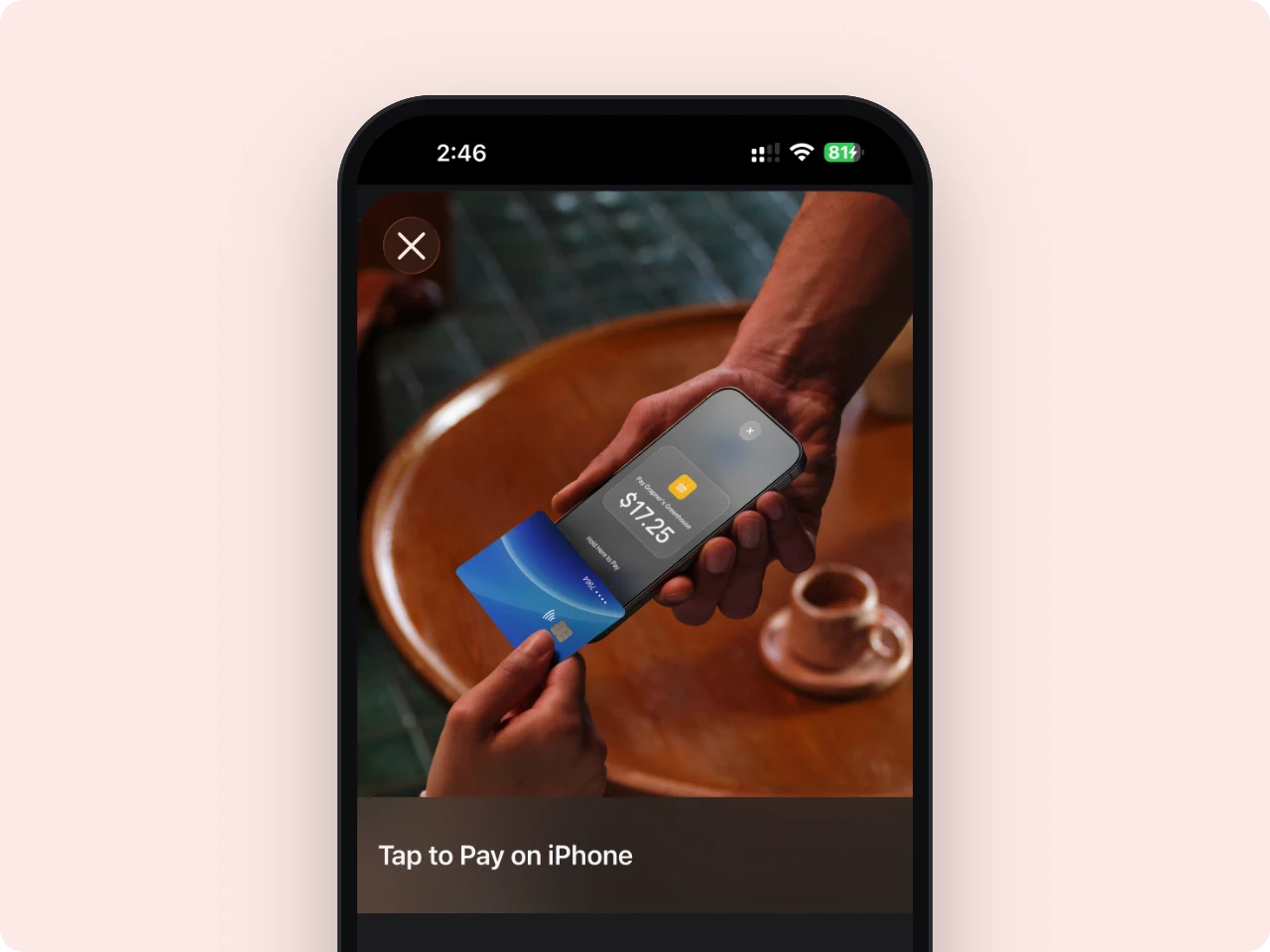
The guest taps their card, phone or watch against the back of the iPhone. Done.

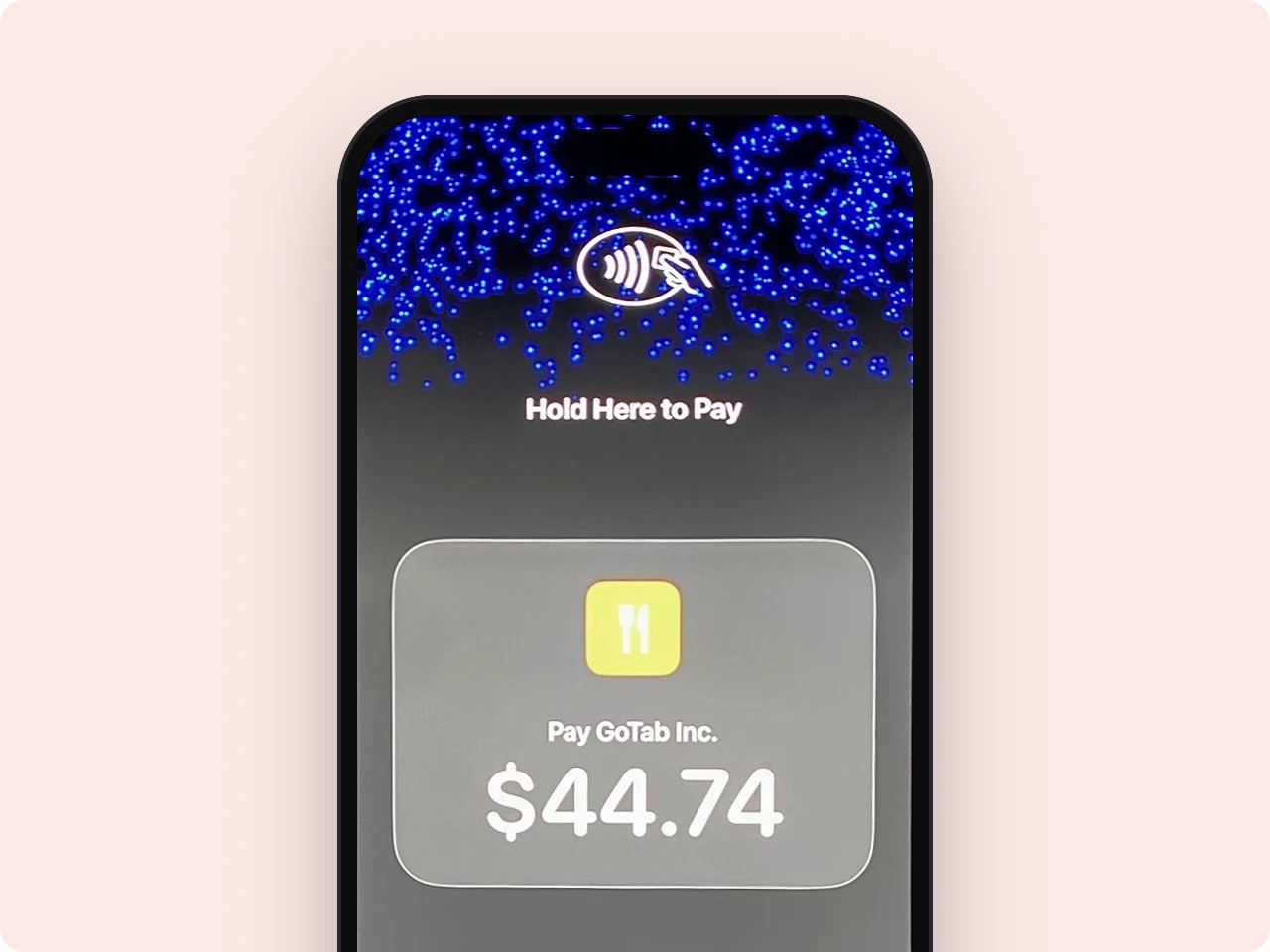
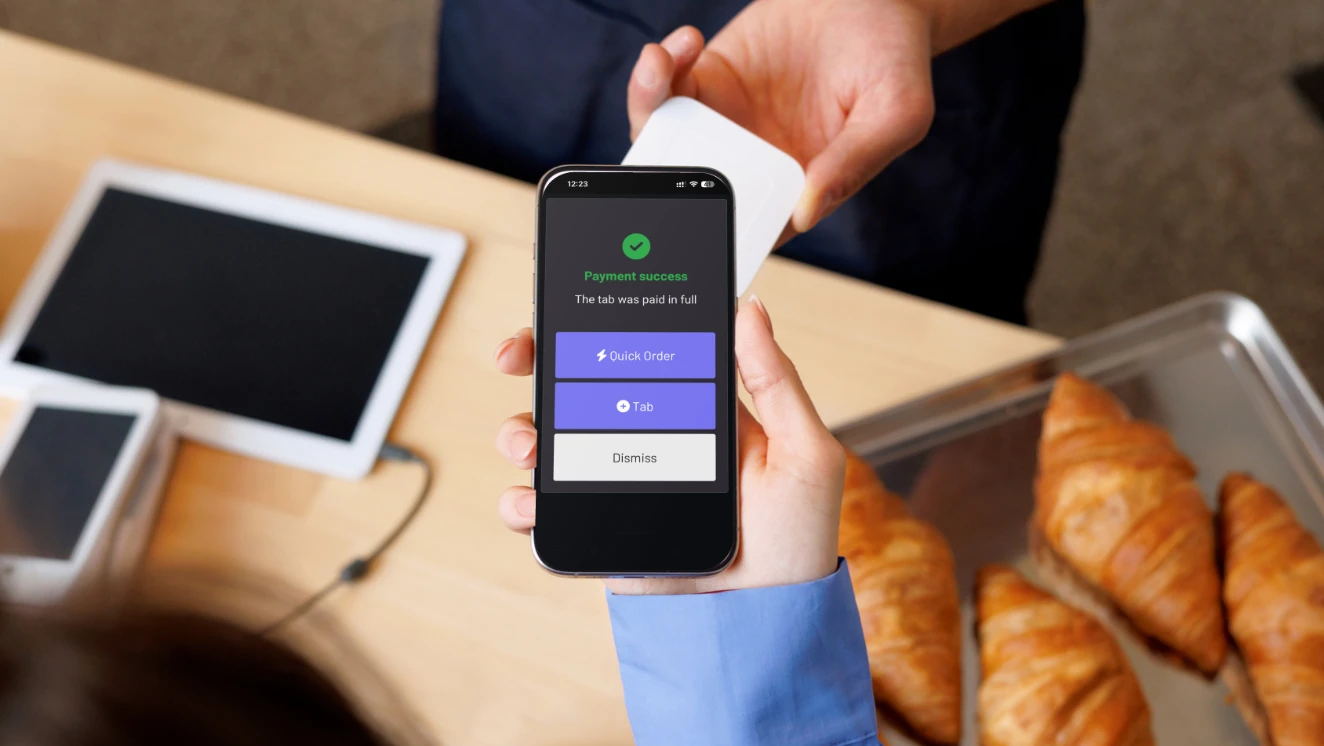
Any iPhone XS or later running iOS 18.4 or later. Apple maintains the authoritative device list and it changes each generation.
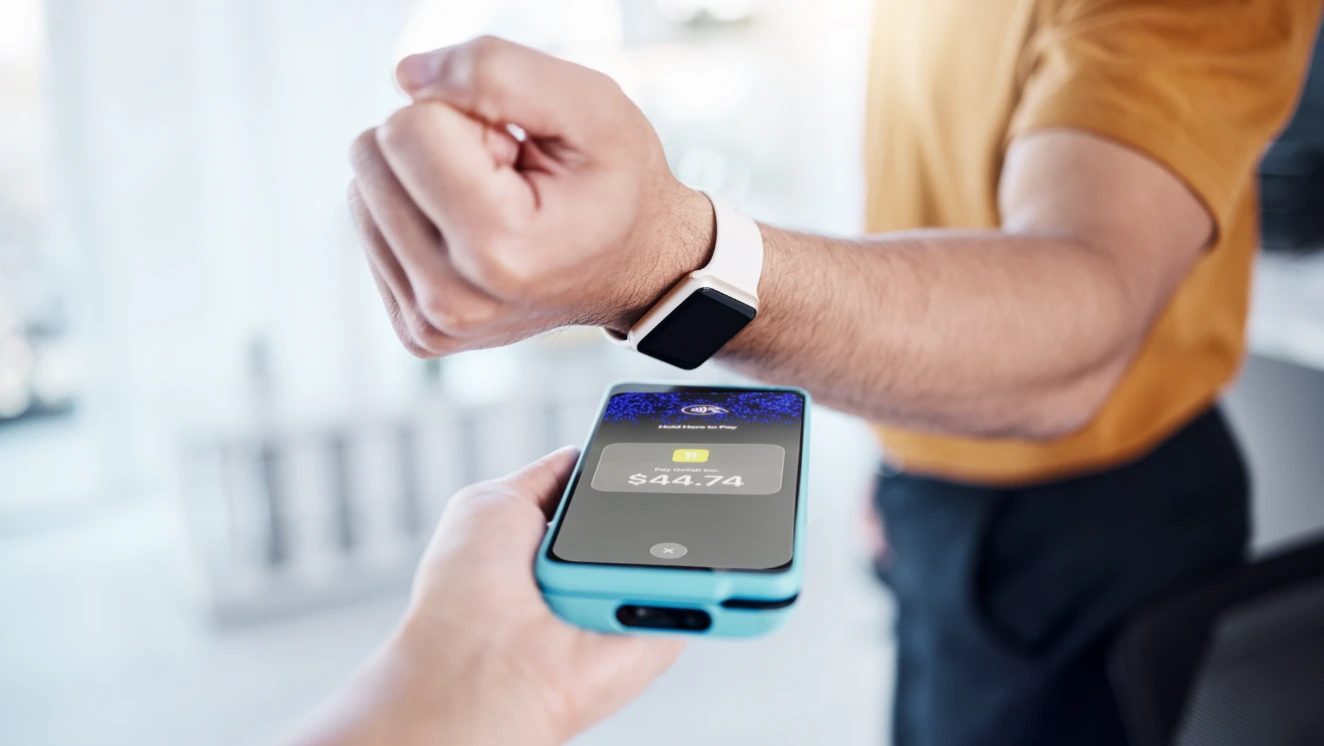
Contactless credit and debit cards, Apple Pay, Apple Watch and other supported digital wallets.
Transactions are encrypted and processed using the Secure Element. As with Apple Pay, Apple does not know what is being purchased or who is buying it.
No additional cost for the first six months after release, then $0.10 per transaction processed through the GoTab iOS app.


A terminal is a purchase and a monthly line item. A phone your staff already carry is neither. Tap to Pay on iPhone runs on hardware you already own, and a phone running it does not count as a station — so adding a service point costs nothing in hardware and adds no per-terminal charge. See the pricing page for current rates.
Add a service point by handing someone a phone, not by ordering a terminal and waiting for it.
Countertop stations still use a paired reader, and for a till that never moves that is usually the better setup.
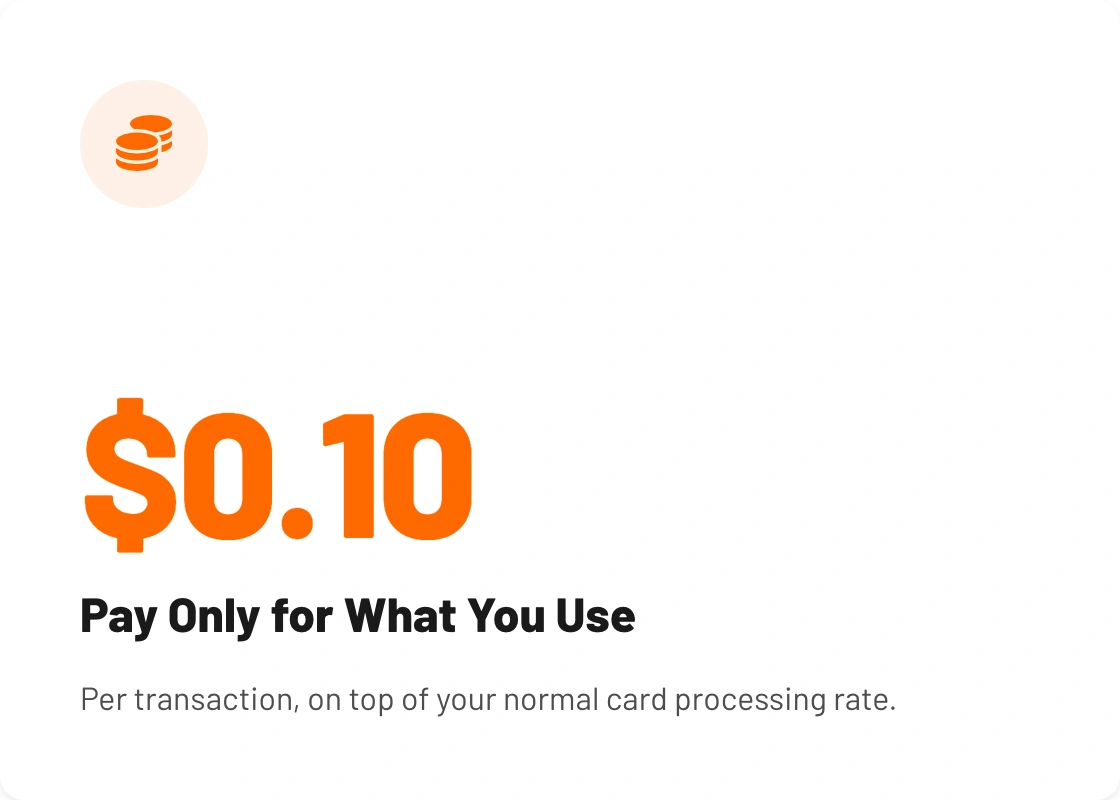
Free for six months, then a flat ten cents per transaction. No station charge and no hardware line.
FAQ
Common questions about this feature.

Tap to Pay on iPhone is an Apple capability that turns a supported iPhone into a contactless payment terminal. A guest taps a contactless card, Apple Pay, Apple Watch or another supported digital wallet against the back of the phone, and the payment runs through your POS. No card reader, and nothing for the guest to download.
Any iPhone XS or later running iOS 18.4 or later. No card reader, dongle or payment terminal is needed for supported transactions. Apple maintains the authoritative device and OS list and it changes with each iPhone generation, so check theirs before standardising a fleet.
QR ordering puts the tab on the guest's phone; Tap to Pay on iPhone puts the card reader on your staff's phone. They work together — a guest can open a tab by QR and settle it by tapping a card on a server's iPhone, or either one alone.
Yes. One iPhone handles the whole transaction — ringing the order, managing the tab and taking payment — so a server does not hand off to a terminal or walk back to a station. It is the same GoTab app and the same workflow staff already use.
Yes. Tap to Pay on iPhone accepts contactless credit and debit cards, Apple Pay, Apple Watch and other supported digital wallets, and the guest does not need to download anything. Apple notes two caveats: some contactless cards may not be accepted, and transaction limits may apply.
No. Existing GoTab platform pricing and hardware options are unchanged, and there is no requirement to move off the devices you already run. Tap to Pay on iPhone adds a payment option on compatible iPhones; countertop stations and paired readers keep working exactly as they do now.

Ready to experience GoTab for yourself? Sign up for a free demo and get qualified to receive a complimentary meal on us!

