






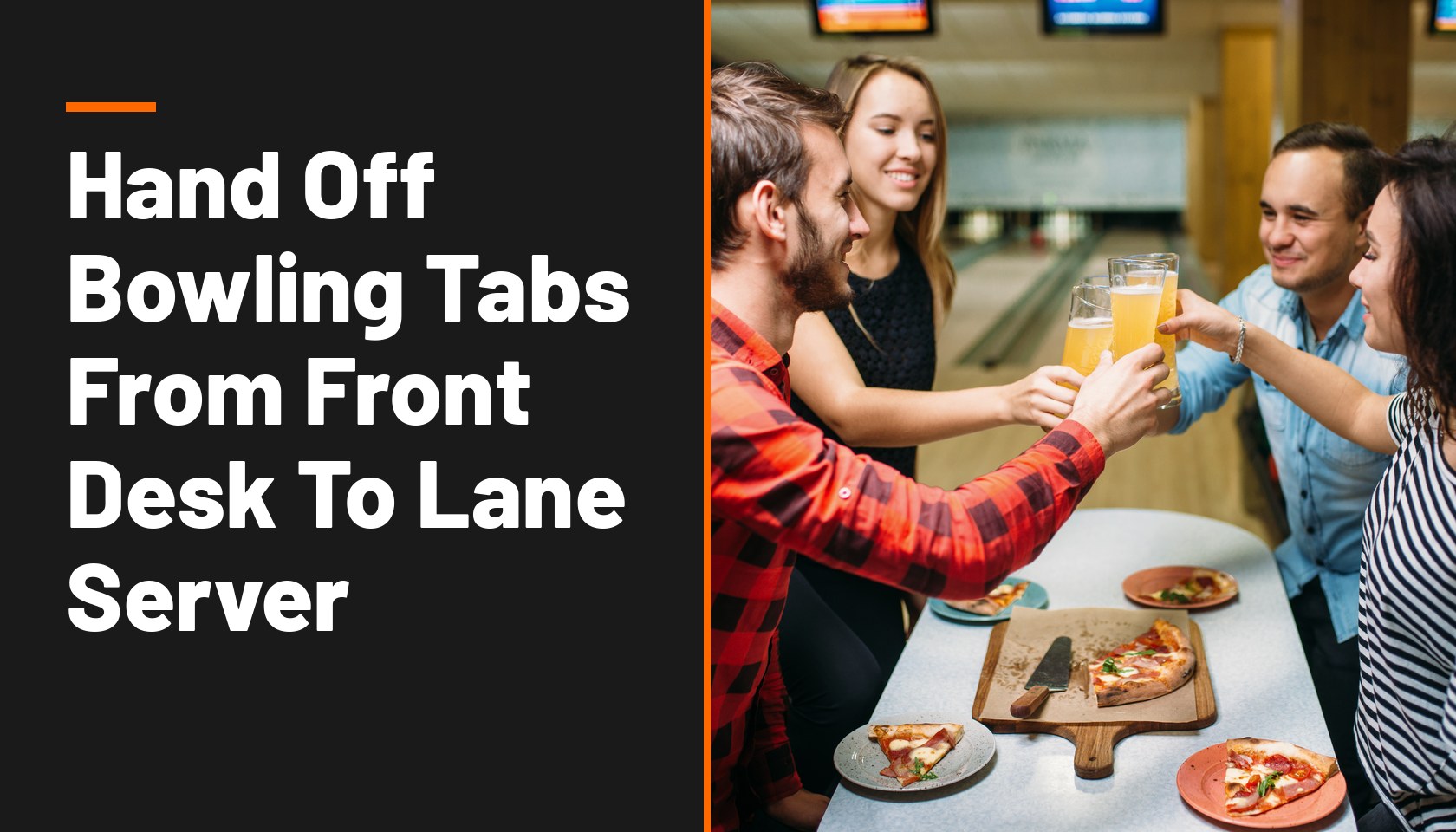
At a two-level bowling, arcade and axe-throwing venue with four full bars, every lane rental starts in the same place. The operator described the flow: "we just start the tab at the activity desk and transfer it over to the server on the bowling lanes."
The desk handles lane time, shoes and game cards, and a server takes over for food and drinks once the group reaches its lane. But the handoff is where the mistakes start. "We get a lot of separate checks," he said, and from time to time a server runs the wrong card on the wrong tab or splits a check incorrectly. On his current POS, "instead of being able just to reopen the check and fix it, I've got to go do refunds on credit cards re ring items and it just turns into a very tedious process."
Here's how to set up the handoff from front desk to lane so the tab arrives with the right owner, the right card and the right split.
Why Do Bowling Tabs Change Hands At All?
Because two different jobs happen at two different places.
- The desk sells the activity. Lane time, shoe rental, game cards and add-ons like axe throwing or billiards are sold and often closed out at the activity desk.
- The lane server sells food and drinks. Once the group is bowling, a server takes orders at the lane for the rest of the visit.
- The tab has to follow the group. If the server opens a new tab, the guest ends up with two checks and two card swipes. If the desk keeps the tab, the server can't add to it.
Transferring the tab from the desk to the lane server keeps one check for the group while each team does its own job.
What Goes Wrong In The Handoff?
Most errors come from the same few moments.
- The tab lands with the wrong server. If the transfer isn't clear, the lane server can't find the tab, opens a new one and the group gets two checks.
- Sales and tips go to the wrong person. If the tab stays under the desk employee's name, the server's sales and tips don't show up where they should.
- The wrong card goes on the wrong tab. With several groups on neighboring lanes, a server can charge one group's card to another group's tab.
- Splits go wrong at the end of the night. Bowling groups often want separate checks. A bad split means re-ringing items and running cards again.
- Cards get shut off overnight. The same operator noted that "nowadays a lot of people like to shut their credit cards off at the end of the night," which makes fixing a closed tab the next morning harder.
The fix isn't only training. It's choosing a POS where each of these moments takes a tap, not a refund.
How Should A Front Desk To Lane Handoff Work?
Set up the flow so ownership, payment and splitting each have one clear step.
- Open the tab at the desk with the card on file. The desk rings the lane time and shoes and starts the tab with the guest's card, so the group has one check from the start.
- Transfer the tab to the lane server. On a GoTab POS, staff go to More, then Transfer Tabs, choose the tab and pick the server. The server becomes the owner of the tab, and its sales and tips show on the server's user report.
- Let the guest order from the lane, if you want. With Quick Check-In Tab Share, a tab started on the POS can also be run from the guest's phone. The guest checks in with a phone number or QR code, gets a text link and can order more, share the tab with their group and pay. That's the same QR ordering and payment flow, and staff still see and manage the tab on the POS.
- Split at the lane, not at the register. With split payment, servers can split a tab and move items off it at the lane, down to individual items, so separate checks are set up before payment.
- Fix mistakes by reopening, not refunding. If a server runs the wrong card, they can tap the payment on the tab and choose "remove & reopen" to take that payment off and accept a different one. Closed tabs can also be reopened from the POS or the manager dashboard to make adjustments.
One caution from GoTab's help center: on a same-day tab paid by credit card, adding items and closing to the same card is sometimes possible, but some cards don't allow it. The safest time to adjust a tab is while the guest is still at the lane.
Should The Tab Follow The Guest Or Stay With Staff?
It depends on how your venue is laid out.
At some FECs, one tab follows the guest from attraction to attraction, as covered in one tab from the go-kart track to the grill. That works well when guests move through a few attractions and order at counters.
The bowling operator pushed back on that model for his venue. With two levels, four full bars and guests moving between them, he expected a single roaming tab to cause more problems than it solved. A clear handoff from desk to lane server fits that kind of layout better: each lane group has one owner, and the server is responsible for the check.
Many venues end up with a mix. Activities close at the desk, lane groups get a transferred tab, and bar guests pay as they go.
How Do You Train Staff On The Handoff?
Keep it to a few steps everyone does the same way.
- Name the transfer step in the desk script. "Lane ready, tab transferred to your server" should be part of every lane check-in.
- Show servers where transferred tabs appear. A server who can't find the tab will open a new one.
- Practice the reopen and split on a slow day. Staff who have fixed a wrong-card mistake once won't panic on a busy Saturday.
- Check the user report at the end of the shift. If sales or tips show under the wrong person, the transfer step was skipped.
Who Does This Operational Approach Fit Best?
A front desk to lane handoff pays off most for bowling centers and multi-activity venues with lane or bay service, where a desk sells the activity and servers handle food and drinks.
It fits especially well for venues with large groups that want separate checks, such as leagues, parties and corporate outings, and for operators who pay servers through tips, where tabs need to land with the right person.
It matters less for counter-service FECs where guests order and pay at the same window, and for venues where one tab follows the guest through every attraction. And it's premature if your staff can't yet reopen a tab or remove a payment on your current POS. Fix that first, because the handoff depends on it.
Want to see a tab move from the desk to the lane? Request a demo, see what a family entertainment center POS should handle at the lanes, or start with the complete FEC technology stack.
FAQ
How do you transfer a tab to another server on a POS?
On GoTab, staff open More on the POS, choose Transfer Tabs, select the tab and pick the staff member who should own it. The new owner's user report then shows the tab's sales and tips.
What should a bowling alley do when a server charges the wrong card?
Use a POS that lets staff remove the payment and reopen the tab, then take the correct card. That avoids refunding the guest and re-ringing every item.
Can bowlers order from their phone at the lane?
Yes, if your POS supports it. With GoTab, a tab started at the desk can be shared to the guest's phone, so the group can order more and pay from the lane while staff still manage the tab on the POS.
Should bowling groups get one tab or separate checks?
Either can work. One tab at the desk keeps check-in fast, and the lane server can split it into separate checks, down to individual items, before anyone pays.