

Tablet POS System for Restaurants, Bars & Breweries
GoTab's tablet POS turns an iPad or Android tablet into a full countertop point of sale. Take orders, run tabs, take card payments and fire tickets to the kitchen from a bar station, host stand or service well. It's the same GoTab POS that runs on handhelds and guest phones, so every device shares one tab, one menu and one set of reports.




What is a tablet POS system?
A tablet POS system is point-of-sale software that runs on a tablet instead of a fixed terminal. Paired with a card reader and, optionally, a customer-facing display, the tablet becomes a complete checkout station at a fraction of the size and cost of legacy hardware. Because the software lives in the cloud, menu changes, prices and reports update on every tablet at once. GoTab's tablet POS is one way to run the GoTab restaurant POS. Most operators use tablets for fixed stations and handheld POS devices for staff on the floor.
Which tablets work with GoTab?
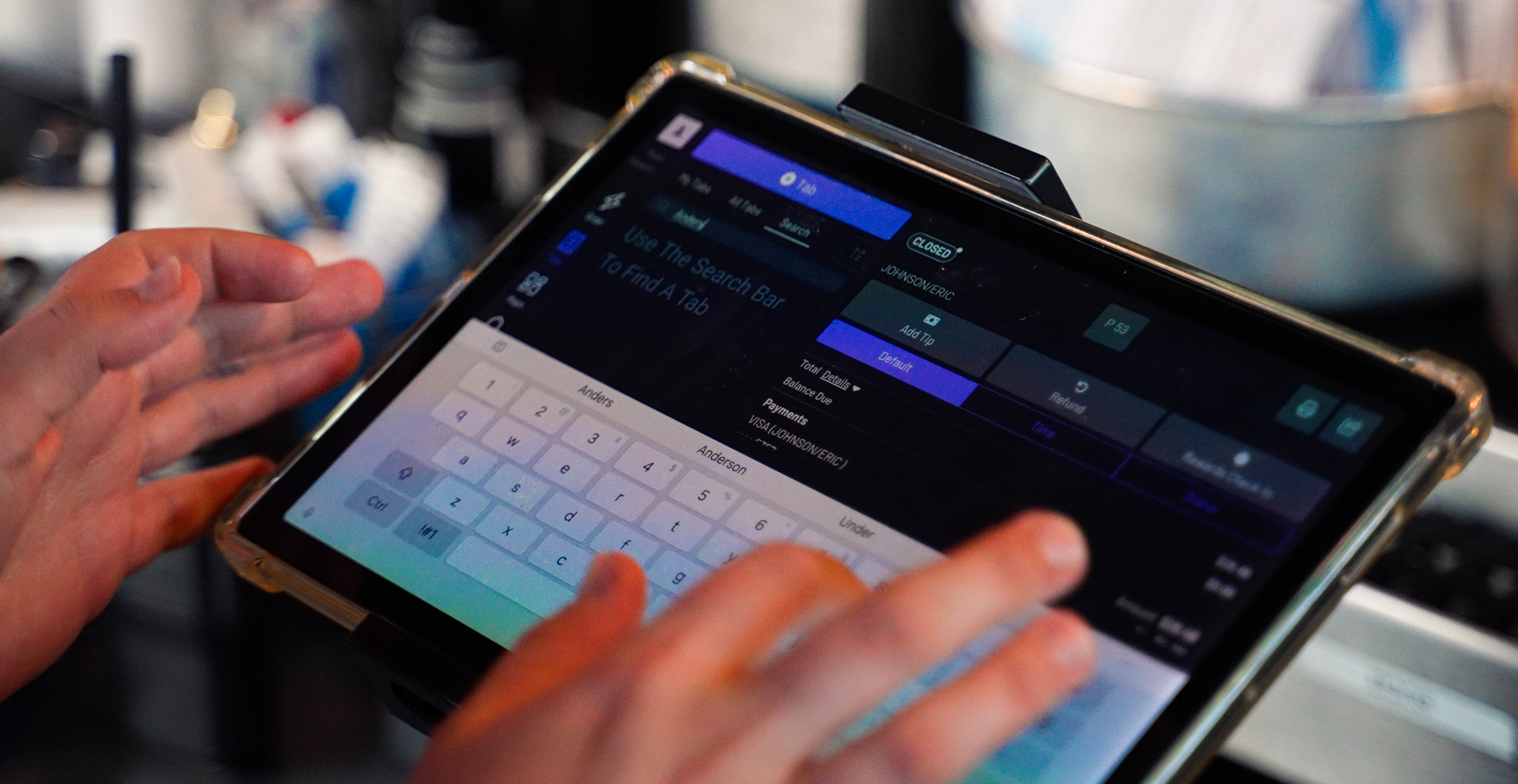
iPad: any iPad running iOS 17 or later, with the GoTab POS app. Android tablets: Samsung Galaxy Tab A8 on Android 12 or later, or any tablet terminal from the GoTab hardware store. Already own tablets? If they meet these requirements, you can use them. No proprietary hardware is required.
Build a Countertop POS Station
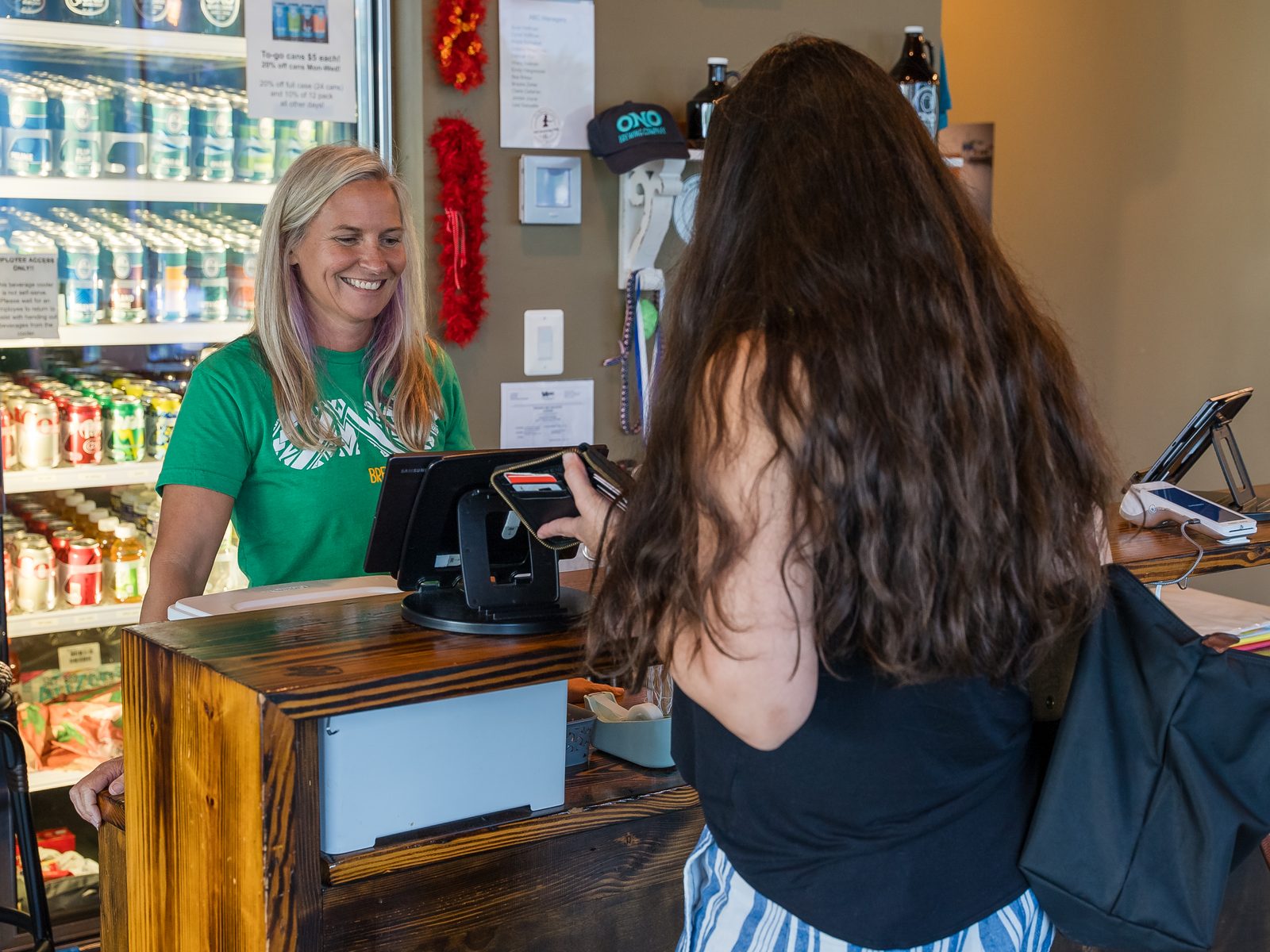
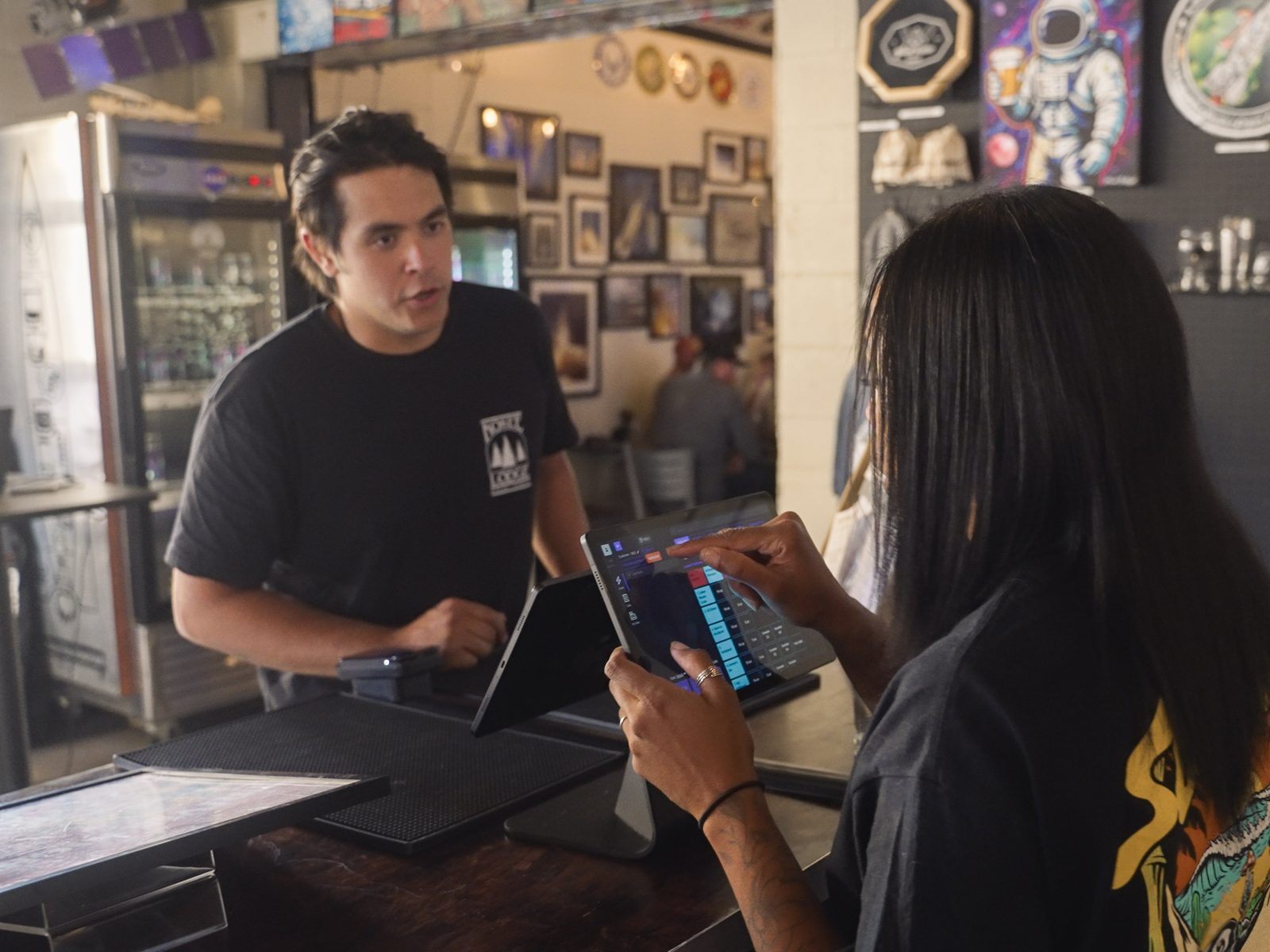
The tablet
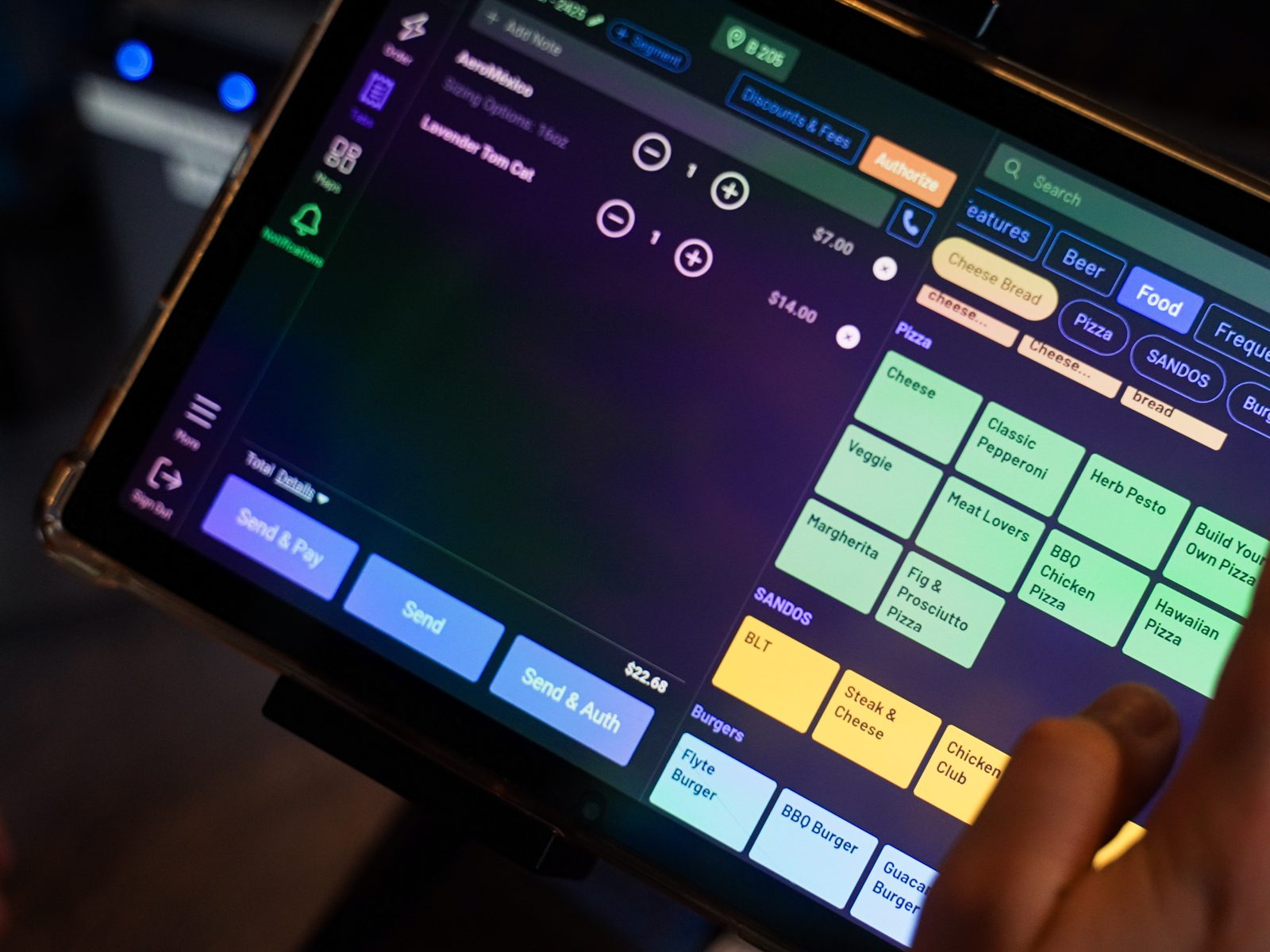
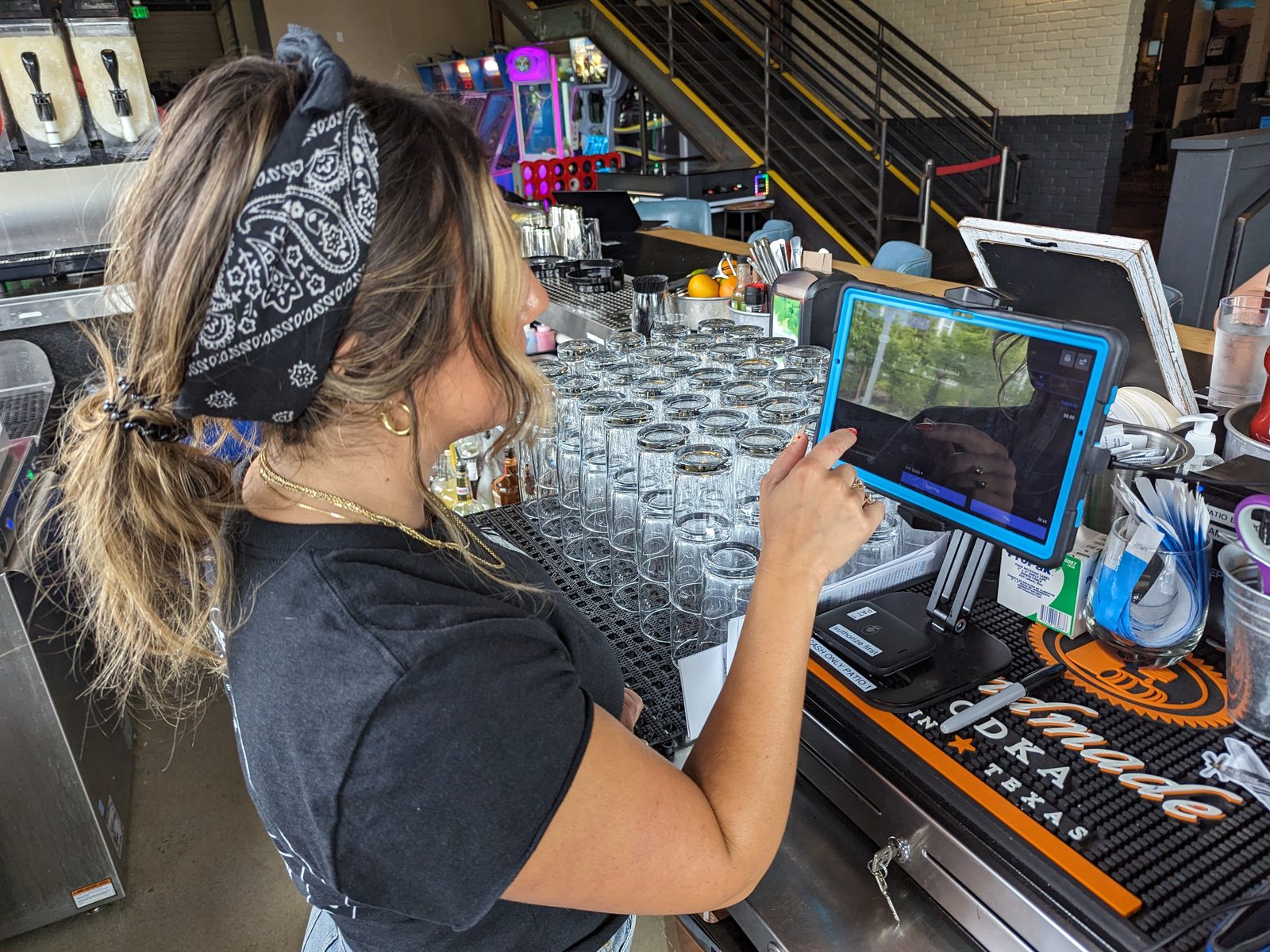
The GoTab POS app runs on an iPad or Android tablet mounted at the bar, counter or host stand.
A card reader
The Adyen NYC1 pairs with the tablet over Bluetooth or USB and takes chip, swipe, tap and mobile wallets.
A customer-facing display (optional)
A second screen, such as the S1F2, shows guests their order, tip options and payment prompt.
Up and running in minutes
Staff sign in with a PIN, and managers activate new tablets from the Manager Dashboard in minutes.
Tablet POS vs. handheld POS: which do you need?
Tablet POS is best for fixed stations: bars, counters and host stands. The 8–13 inch screen has room for full menus and floor maps, and payments run through a paired card reader with an optional guest display.
Handheld POS is best for tableside service, patios, rooftops and line-busting. It's phone-size, built for speed on the move, and takes payments with Tap to Pay on the phone itself or a paired reader.
Most GoTab venues run both on the same system. Tabs move freely between devices, and guests can add to the same tab from their phones with QR ordering & payment.
Built to keep running
- Offline mode: OPServer keeps tablets taking orders and payments if the internet drops, then syncs when the connection returns.
- Unstable Wi-Fi: order entry keeps working while items sync in the background.
- Connection alerts: the POS shows a banner if a tablet or guest display loses its network connection.
Everything else runs on the GoTab platform
Your tablets plug into the full GoTab system: kitchen display, self-ordering kiosks, online ordering, loyalty, gift cards and the Manager Dashboard. See the GoTab restaurant POS overview for how it all works, or view all integrations.
Plans start at $15/month. See detailed pricing.
Modern, Flexible Hardware for Every Service Environment
GoTab's hardware is built to be flexible. You're not locked into one brand or one device.
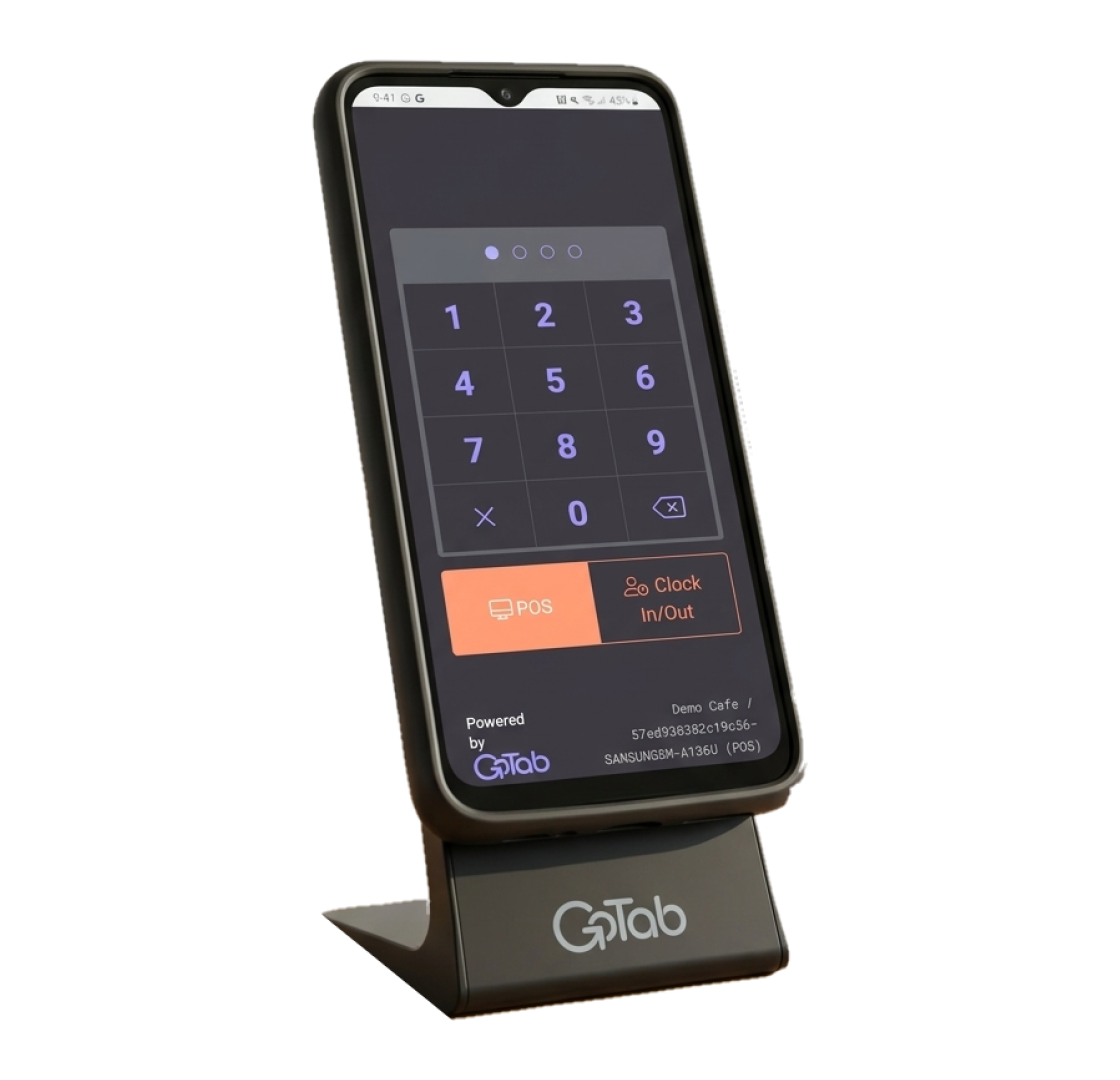
Handheld POS
Your full point of sale in a server's pocket — orders, tap-to-pay, and kitchen alerts from anywhere on the floor.


Self-Ordering Kiosks
Guests build their order, pay, and send it straight to the kitchen.
OPServer Offline Capabilities
An on-site server that keeps every GoTab device in sync.
The GoTab Difference
You don't need special locked hardware. GoTab runs on iPads and Android tablets you may already own, and ready-to-use tablet terminals are available in the GoTab hardware store.


Kitchen Display System (KDS)
See every order the moment it's placed whether from the counter, handheld, kiosk, QR, or online.
Simple and Transparent Pricing
Our pricing is simple: we make money when you do. With our transaction-based processing fees, GoTab is your all-in-one POS and much more.



Open APIs To Connect Your Entire Tech Stack
GoTab is an open platform. Its API connects to the tools you already use — loyalty programs, accounting software, and reservation systems — so you can build the exact setup your business needs, instead of settling for whatever one vendor happens to offer.
Bring Your Systems Together
Connect reservations, events, accounting, loyalty, inventory, self-pour, gaming, property management, and more.
Work With Leading Hospitality Platforms
Including Tripleseat, Intercard, Amusement Connect, PourMyBev, CourtReserve, Mews, and other specialized technology providers.
Keep Data Moving Across Your Operation
Reduce disconnected systems and manual work by sharing critical information between GoTab and the tools your teams rely on.
Build for What Comes Next
Open APIs give operators and technology partners more flexibility to support new experiences and evolving business needs.

Bar wells and service bars
Open, hold and close tabs fast, with pre-authorizations on the card.
Counter service and fast casual
Take orders and payment at the register and send tickets straight to the Kitchen Display System.
Host stands
Manage a floor map of tables and spots, and see which tabs are open where.
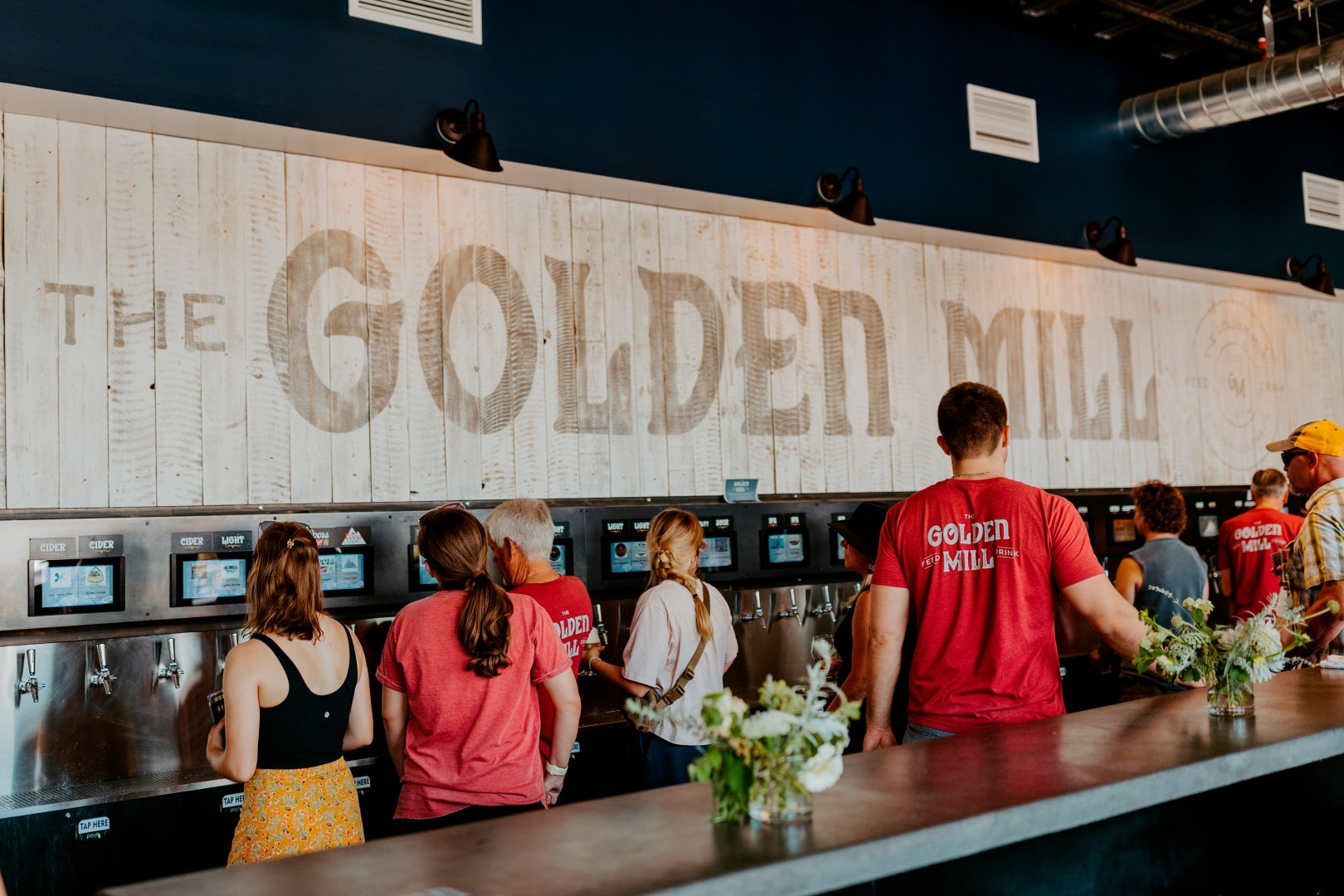
Concessions, taprooms and venues
Set up extra stations for peak days without buying full terminals.
How GoTab's Tablet POS Compares


Use the iPads or Android tablets you choose instead of Toast's own terminals.

The same easy iPad setup, built for busy bars and multi-station venues.

No Clover hardware to buy. Run GoTab on supported tablets you may already own.
Explore GoTab by Business Type
Every venue runs differently. See how GoTab fits your type of business.
See all business types
Trusted by Hospitality Leaders
“Now we're selling more food. All the vendors are noticing more food sales based on our numbers and the guest experience.”
“One of the great things about the QR codes and how well that system functions is that it has enabled us to save on labor because we don't need to have waitstaff in the traditional sense.”
“People used to spend 40 minutes of their visit waiting in line. Now they're just sitting with their family and their beer arrives. Before, they'd walk out. Now they stay.”
“Before, we were doing $2,000 to $3,000 a day in reservations. When we switched to this simplified all-inclusive model, we started booking more than $30,000 a day.”
“We tried another QR code ordering system in another store and it fell flat. But with GoTab, we're seeing triple or quadruple the sales compared to that other store, and that's with less attendance. Guests love it.”
“Attendance for some events can soar from 5,000–7,000 on an average day, to an astonishing 110,000 guests for our annual Breeders Cup event. GoTab helps the team achieve exceptional agility”
View case study
Watch the story
2,100
ordering interactions moved out of food lines on a 7,000-visitors








Yes. GoTab's POS app runs on any iPad with iOS 17 or later. Pair it with an Adyen NYC1 card reader to take chip, tap and mobile-wallet payments at a countertop station.
The best tablet is one your POS supports and your staff can mount at the station. GoTab supports iPads on iOS 17+ and the Samsung Galaxy Tab A8 on Android 12+, and sells ready-to-use tablet terminals in the GoTab hardware store.
No proprietary hardware is required. You need a supported tablet, the GoTab POS app and a card reader; a customer-facing display and stand are optional.
GoTab's Adyen NYC1 card reader connects to the tablet over Bluetooth or USB. Once it's paired, the tablet sends each payment to the reader automatically.
A tablet POS is a fixed countertop station with a larger screen; a handheld POS is a phone-size device staff carry to the table. With GoTab both run the same software and share the same tabs, so most venues use tablets at the bar and counter and handhelds on the floor.
Yes. GoTab's OPServer keeps tablets taking orders and payments during an internet outage and syncs everything when the connection returns.
Usually, yes. Tablets cost less than proprietary terminals, and GoTab plans start at $15/month. See detailed pricing.
Request a Demo
Ready to experience GoTab for yourself? Sign up for a free demo and learn about our special offers that make switching your POS easier.
