




Give Every Guest the Service They Want — Without Adding Staff
Guests today want speed and control. Some want a server who knows the menu inside and out. Others want to scan a QR code, order from their phone, and never wait for a check. Operators are stuck trying to deliver both — with rising labor costs, thinner margins, and staff that are harder to hire and keep.
A hybrid service model solves this by combining traditional, staff-led service with self-service and mobile ordering technology — inside the same venue, at the same time. Instead of forcing every guest into one service style, hybrid service lets guests choose how they order, pay, and interact with staff, while giving operators a single connected system to run it all.
What Is a Hybrid Service Model?
A hybrid service model sits between full table service and quick/counter service — and, done well, it isn't a compromise between the two so much as a combination of their strengths. In a hybrid venue, a guest might:
- Sit down at a table and order through a server, or scan a QR code and order themselves
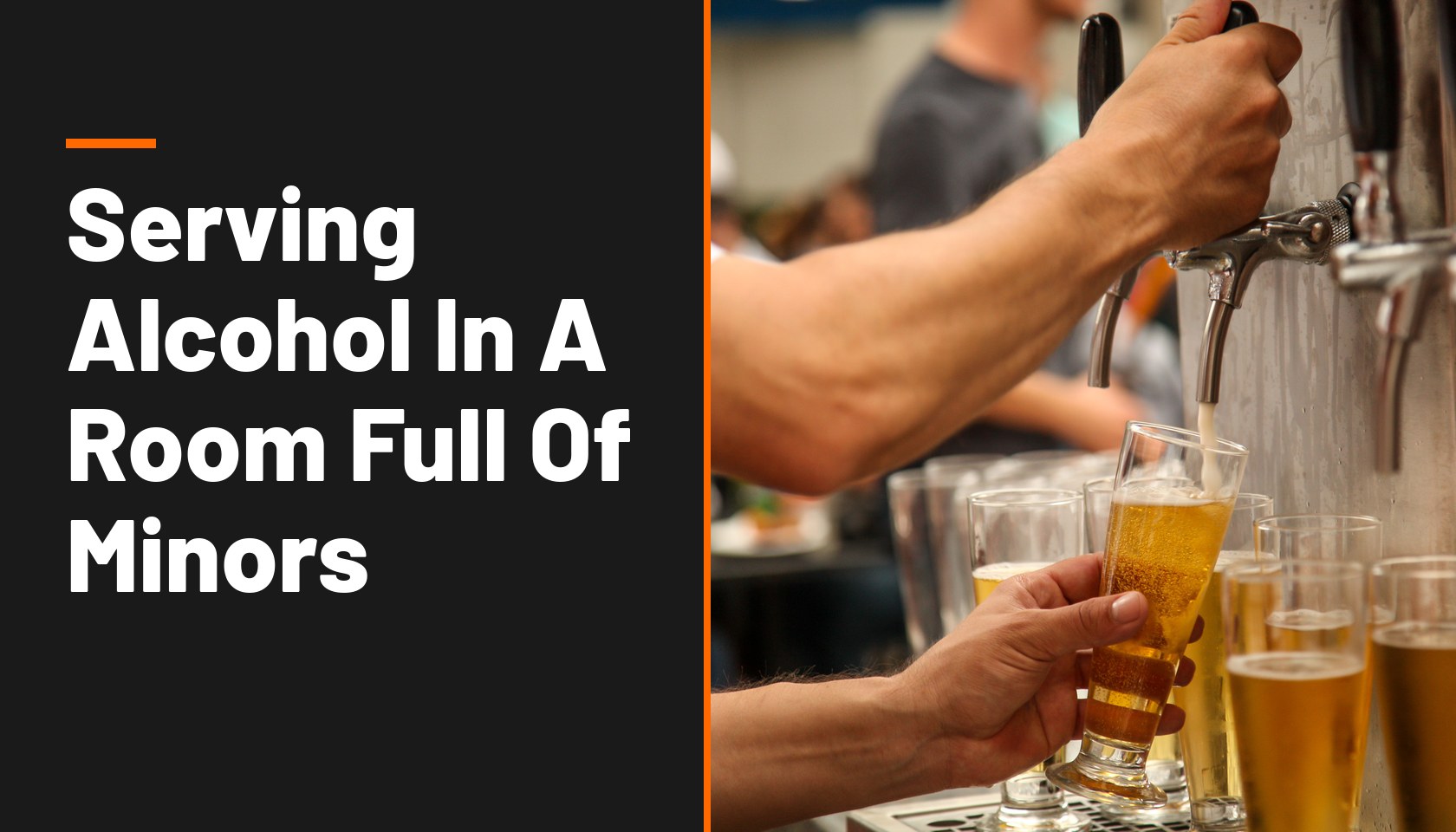
- Pour their own beer at a self-pour wall, then order food from a server
- Order food at a kiosk or counter, then have it delivered to their table
- Start a tab with a bartender, then close it out from their phone without flagging anyone down
The defining feature isn't any single technology — it's optionality by design. Every guest experience runs through the same order stream, the same kitchen display system, and the same tab, so nothing gets fragmented no matter how a guest chooses to interact.
Hybrid service is not about replacing hospitality with technology. It's about removing the friction from transactional moments — taking an order, running a card, refilling a drink — so staff have more time for the parts of the job that actually require a person: recommending a dish, checking in on a table, solving a problem.
Hybrid vs. Full-Service vs. Quick-Service
- Full-Service: a server takes the order and closes the check; staff role is order-taking plus hospitality; best for high-touch, high-margin dining.
- Quick/Counter Service: the guest orders at a counter and pays up front; staff role is order fulfillment; best for high-volume, fast turns.
- Hybrid Service: the guest chooses — server or self-service — and closes their tab from any channel, any time; best for breweries, food halls, entertainment venues, and multi-daypart restaurants.
Why Operators Are Shifting to Hybrid Service
Lower labor costs without lowering service quality. Self-service and mobile ordering channels absorb the repetitive, transactional parts of service — taking orders, running cards, refilling tabs — so fewer staff can cover more covers without guests feeling it.
Higher check averages and faster table turns. When guests can order and reorder in seconds instead of waiting to flag down a server, they order more and turn tables faster.
Better staff retention. Cutting the repetitive parts of the job frees staff to spend more time on genuine hospitality — the part of the job people actually want to do — which makes roles more engaging and easier to staff and retain.
Resilience across dayparts and demand. A quiet Tuesday lunch and a packed Saturday night don't need the same service model. Hybrid venues can lean more self-service during rushes and more full-service during slower stretches, without switching systems.
Guests self-select the experience they want. Some guests want a recommendation and a conversation; others want to get in and out. A hybrid model lets both happen in the same room at the same time — especially valuable in breweries, food halls, and entertainment venues where guest expectations vary widely.
How GoTab Powers a Hybrid Service Model
Most POS systems are built around one service style. GoTab was built from the ground up around the idea that every order — no matter how it's placed — should land on the same connected tab. That's what makes a true hybrid model possible instead of a patchwork of disconnected tools.
- Point of Sale — the connective layer that all order types flow through, so staff always see a complete, real-time picture of every tab.
- Mobile Order & Pay — guests scan a QR code or tap an NFC tag to open a tab, order, reorder, and pay from their own phone — no app download required.
- Self-Ordering Kiosk — a self-service option for guests who'd rather order at a counter or stand, feeding into the same kitchen queue as every other channel.
- Handheld / Pocket POS — lets servers take orders and payment tableside on their own phone, for venues that want staff-led service without a fixed terminal.
- RFID Pass — a tap-to-order wristband or card for festivals, stadiums, and multi-vendor venues, so guests can move around a property and keep ordering on one tab.
- Easy Tab — lets a server open a tab with a card dip, so guests can start with staff-led service and finish on their own device, or vice versa.
- Kitchen Display System (KDS) — routes and batches every order — server, mobile, kiosk, self-pour — through one kitchen queue, so back-of-house isn't juggling multiple systems.
Because every order type writes to the same tab and the same reporting layer, staff and managers get one real-time view of the floor no matter how many ordering channels are active — the piece that's usually missing when venues try to bolt self-service onto a traditional POS.
Hybrid Service in Action, by Venue Type
Breweries & Self-Pour Taprooms. Pair a self-pour wall with servers who handle food and tabs. Guests pour their own beer and close out from their phone, or start a tab with a bartender. "With 50–60% of orders flowing through QR codes during peak hours, the labor-saving benefits were substantial," says Kevin Carr, Owner of Community Beer. See how GoTab supports breweries and taprooms.
Restaurants. Combine tableside QR ordering for guests who want to move fast with full server service for guests who want the traditional experience — without running two separate systems. Explore GoTab for restaurants.
Food Halls & Multi-Vendor Venues. Guests order across multiple vendors on one shared tab, whether at a counter, from their phone, or through a server circulating the space. See GoTab for food halls.
Eatertainment & Family Entertainment Centers. Guests move between activities and F&B areas while staying on one open tab, ordering by server, kiosk, or mobile as they go. Learn more about eatertainment venues.
Hotels & Resorts. Poolside and lobby service via mobile ordering, in-restaurant table service, and room-charge integration, all on one platform. See GoTab for hotels.
Stadiums & Entertainment Venues. RFID-enabled tabs let guests order from their seat or at a stand, keeping every purchase on one account as they move through the venue. Explore stadiums & entertainment.
How to Implement a Hybrid Service Model: A Practical Roadmap
- Map the guest journey first, not the technology. Identify where guests currently wait, queue, or disengage — that's where a self-service or mobile option adds the most value.
- Decide where you want staff spending their time. Hybrid service works best when it's designed to free staff up for higher-value moments, not just to cut headcount.
- Choose a connected platform, not point solutions. If mobile ordering, kiosks, and your POS don't share one tab and one reporting layer, you'll recreate the fragmented experience hybrid service is supposed to solve.
- Redesign staff roles and scripts. Servers may shift from order-takers to hosts who guide guests toward the right ordering channel and handle exceptions.
- Use signage and wayfinding. Guests need a clear, simple way to understand their options — a QR code on the table, signage at a self-pour wall, a clearly marked kiosk.
- Pilot in one section or daypart, then expand. Test the model where it's lowest-risk before rolling it out venue-wide.
- Measure and iterate. Track table turn times, check averages, labor hours per cover, and guest feedback by channel, and adjust the mix over time.
For a deeper, step-by-step walkthrough — including host scripts, signage examples, and staffing/tipping considerations — download the full Hybrid Service Model Implementation Guide.
Frequently Asked Questions
What is a hybrid service model in a restaurant?
A hybrid service model combines traditional server-led service with self-service options like mobile ordering, QR codes, kiosks, or self-pour technology, all within the same venue. Guests choose how they want to order, interact with staff, and pay, rather than being locked into one service style.
Is a hybrid service model the same as counter or quick service?
No. Quick/counter service requires every guest to order and often pay up front at a counter. Hybrid service gives guests a choice — order at a counter, order from a server, or order from their own phone — all flowing into the same system.
Does a hybrid service model actually save on labor costs?
Yes, when the technology is connected. Self-service and mobile channels absorb repetitive order-taking and payment tasks, letting fewer staff cover more guests, especially during peak hours.
What technology do I need to run a hybrid service model?
At minimum, a POS that supports multiple order channels — mobile/QR ordering, a kiosk or self-pour option, and traditional server ordering — feeding into one shared tab and one kitchen display system.
Can I mix self-pour beer walls with full table service?
Yes — this is one of the most common hybrid models in breweries and taprooms. Guests pour their own beer and can still order food and close out through a server, or handle the entire tab themselves from their phone.
Which types of venues benefit most from a hybrid service model?
Venues with mixed guest expectations or variable demand benefit most: breweries and taprooms, food halls, entertainment venues, multi-daypart restaurants, hotels, and stadiums.
Ready to Build a Hybrid Service Model That Works for Your Venue?
See how GoTab connects every ordering channel — server, mobile, kiosk, self-pour, RFID — into one tab and one system. Request a Demo or download the Implementation Guide.