




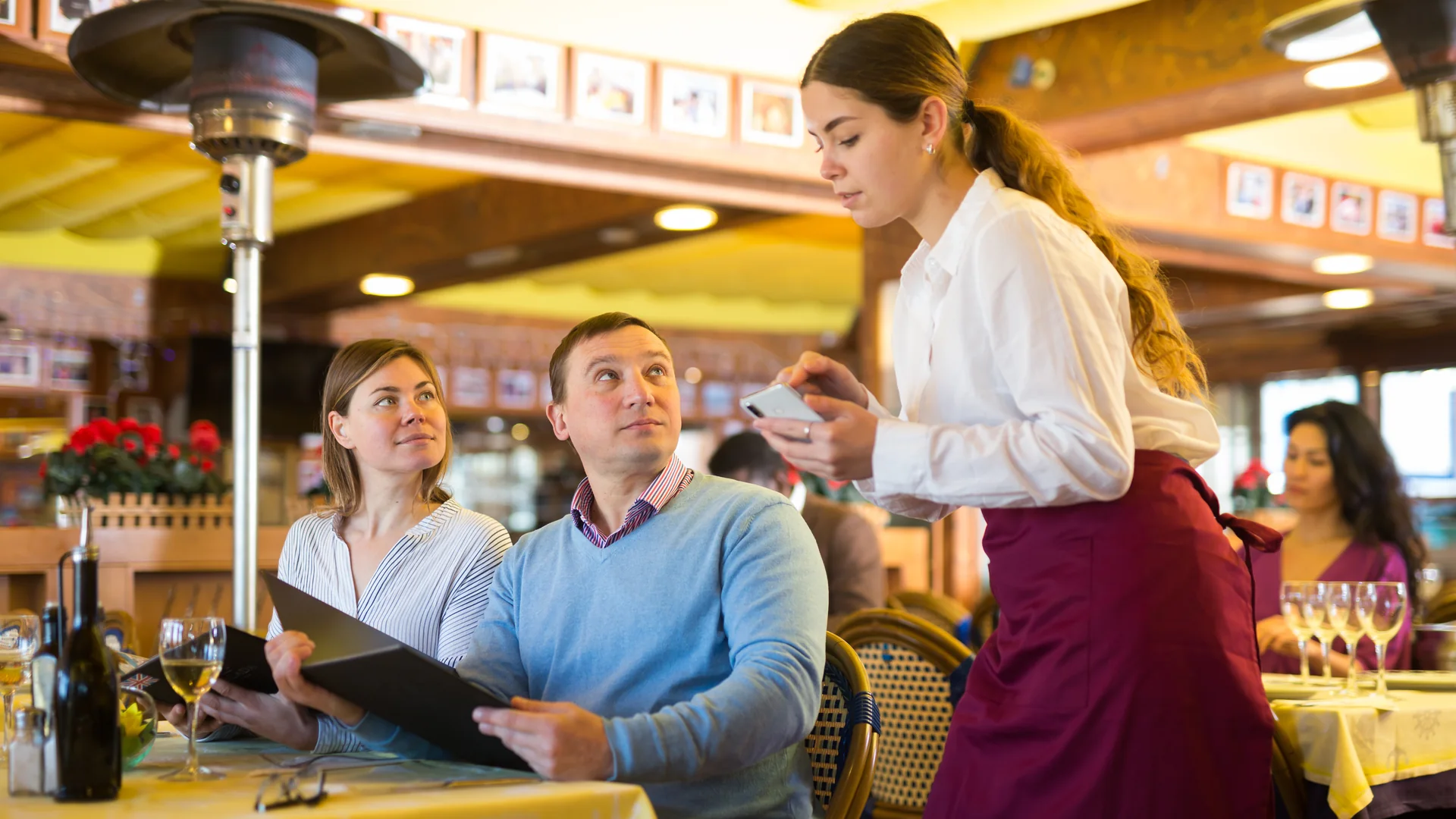
The best mobile POS for taking orders and payments tableside is one where a single device does both jobs: a server builds the check at the table, sends it to the kitchen, and takes the payment on the same device — without carrying a second piece of hardware and without walking back to a station. On GoTab, that device is a phone rather than a terminal, and Tap to Pay turns the phone itself into the card reader, so there is no terminal and no separate reader in the equation.
That sounds like a small distinction. In practice it is the distinction, because most of what the market calls “mobile POS” is not one device.
What “Mobile POS” Usually Means
Across the category, a mobile POS is often one of three things, and only one of them is a complete point of sale:
- A companion app. Staff take orders on a phone, but discounts, refunds, voids and reporting still require a station. The phone is an order pad.
- A handheld plus a reader. The device takes orders and runs the full POS, but payment needs a paired card reader — a second object to charge, track, assign and replace.
- A full POS on the device, with payment on the device. One object. One battery. One thing to lose.
All three get marketed as mobility. Only the third removes the walk back to the station, and only the third means a new service point costs nothing in hardware.
The test is simple, and worth asking any vendor directly: can one person, holding one device, open the tab, fire the order, split the check and capture payment — with nothing else in their hand?
Which POS Systems Let Staff Take Orders and Accept Payment on the Same Device?
On GoTab, a qualifying phone runs the complete point of sale, not a reduced mobile mode. From that one device, staff can:
- Open a tab against a spot and pre-authorize a card to hold it
- Build the order with modifiers and coursing, and fire it to the right station
- Mark an item unavailable, set a prep delay or adjust stock — the same menu controls available from any POS display
- Split the check, take a tip, and close the tab
- Send the guest a receipt, or text them on fulfillment using a phone pass
Two buttons matter more than the rest for tableside service. Authorize pre-authorizes a card to open the tab. Send & Auth sends the order and pre-authorizes the card for the tab amount in a single step, leaving the tab open — so a server can take a round, hold the card, and move on without a second interaction.
Here is the whole sequence on one device, start to finish.
Which Restaurant POS Options Don’t Require Buying Card Readers or Payment Terminals?
A POS that supports tap-to-pay acceptance on the phone itself does not need a card reader, because the phone is the reader. That changes what adding a service point costs.
Adding a terminal means buying a terminal. Adding a phone-based service point means installing an app on a qualifying phone and activating it. For a patio that only opens in summer, a private event, a pop-up, a food truck, or a second bar on a busy Friday, the difference is the entire capital decision.
It also changes the failure mode. A card reader is a separate object that gets left in an apron, runs out of battery on its own schedule, or walks out the door. One device has one of each problem instead of two.
What you do still need is for the feature to be switched on. Tap to Pay has to be enabled for your location before it appears as a payment method in the POS, and on iPhone it is currently available at US locations.
What Point of Sale Systems Work With Tap to Pay on iPhone for Restaurants and Bars?
GoTab’s iOS POS app supports Tap to Pay on iPhone. A qualifying iPhone becomes a complete handheld POS that accepts contactless credit and debit cards, Apple Pay and other digital wallets on the phone itself.
What it takes:
- Device: iPhone XS or later
- Operating system: a current version of iOS — the POS tells staff if the phone needs updating
- App: the GoTab POS app from the App Store
- Availability: US locations
- Enablement: turned on by GoTab Support for your location
- Activation: the iPhone is activated as a payment terminal from the Manager Dashboard
In service, the guest holds their card or phone near the top of the iPhone’s front screen. The card is saved to the tab, so it reappears as a payment option every time staff reach the Pay Tab screen.
Can Staff Accept Contactless Payments on Android, Too?
Yes, and the practical difference is where the guest taps.
On compatible Android phones running the GoTab POS, the guest taps a contactless card or mobile wallet to the back of the phone rather than the front screen. NFC and contactless payments need to be enabled in the device settings, and tap to pay can be set as the default device for pre-authorizations so it is the first thing staff see rather than a menu choice.
Device compatibility is worth checking before you plan around it: GoTab maintains a list of approved Android models, alongside hardware sold through the GoTab store. A POS that only solves contactless acceptance on iPhone solves it for part of the floor, so a mixed fleet is the case to test.
How One Device Changes Table Service and Contactless Payments
The order-and-pay-on-one-device argument is usually made in terms of steps saved. The more interesting part is what the guest sees.
GoTab’s Guest Pay flips the POS into a guest-facing check view at the table. From there the guest pays, tips and chooses how to get the receipt themselves. They can pay in full, split the check evenly, split it by seat, or tap an item and move it to another check. The screen can rotate 180 degrees as it flips, and leaving the screen can require a staff PIN.
Two things follow that are hard to get any other way:
- The tip is entered by the guest, on a screen they control, rather than written on a slip or asked for out loud.
- A four-way split stops being a negotiation. Splitting by seat uses the seat numbers already attached to the items, so a table that ordered across four seats settles without anyone rebuilding the check.
Seat assignment has to be turned on for this, and items are assigned to a seat — or to the whole table — as they are added.
What Happens When the Wi-Fi Drops
Worth being straight about, because it is the question that sinks phone-based POS in most evaluations.
Order entry on the GoTab POS is built to keep working through an unstable network: staff can keep adding items to a pending order while the POS syncs in the background, rather than waiting on each item. That covers a wobble, not an outage.
Full offline operation is a different product. GoTab OPServer keeps devices talking to each other on-premise when the internet is gone, runs on last-known menu and pricing data, holds card payments until the connection returns, and resyncs orders, payments and inventory automatically. Guest-facing QR ordering and text messages pause during an outage, because those need the guest’s own device to reach the cloud.
If outages are a real risk at your venue, that is the piece to ask about — on any platform, not just this one.
When You Still Want a Tablet or a Fixed Station
A phone-only setup is not the right answer everywhere, and a vendor who says otherwise is selling.
- Long or heavily modified menus are faster on a larger screen. A tablet POS shows more of the menu at once and fewer taps per item.
- Counter service and batch ordering work better at a fixed point than in a hand.
- Expo, bar printing and station routing generally live at a station, not on a server’s phone.
Most full-service venues end up running both: tablets or stations as the main order hubs, phones for service away from them. The trade-offs are laid out in more detail in Tablet POS vs. Handheld POS.
A Checklist for Evaluating Tableside POS Options
Questions worth asking any vendor, in roughly this order:
- Can one device take the order and the payment, with no second piece of hardware?
- Is it the full POS on that device, or a companion app with a station behind it?
- Does contactless acceptance work on the phones we already own — on iPhone and on Android?
- What does adding one more service point cost in hardware? What does it cost in a month we do not need it?
- Can a guest split by seat and tip on the device, at the table?
- What exactly happens during an internet outage — and what stops working?
- Is tap to pay enabled for our location by default, or does it have to be switched on?
Built For
Full-service restaurants and bars where the walk back to a station is the bottleneck; venues that add and remove service points seasonally; outdoor and roaming service — patios, rooftops, pool decks, large floors; events, banquets, catering and pop-ups; and any operation that wants a second or third service point without a second or third terminal.
Less of a fit for counter-service concepts where guests order and pay at a fixed point anyway, and for long, complex menus where screen size does more for speed than mobility does.
GoTab’s Pocket POS runs the full point of sale on a phone, with tap to pay on the device itself. Request a demo to see it on your own menu.