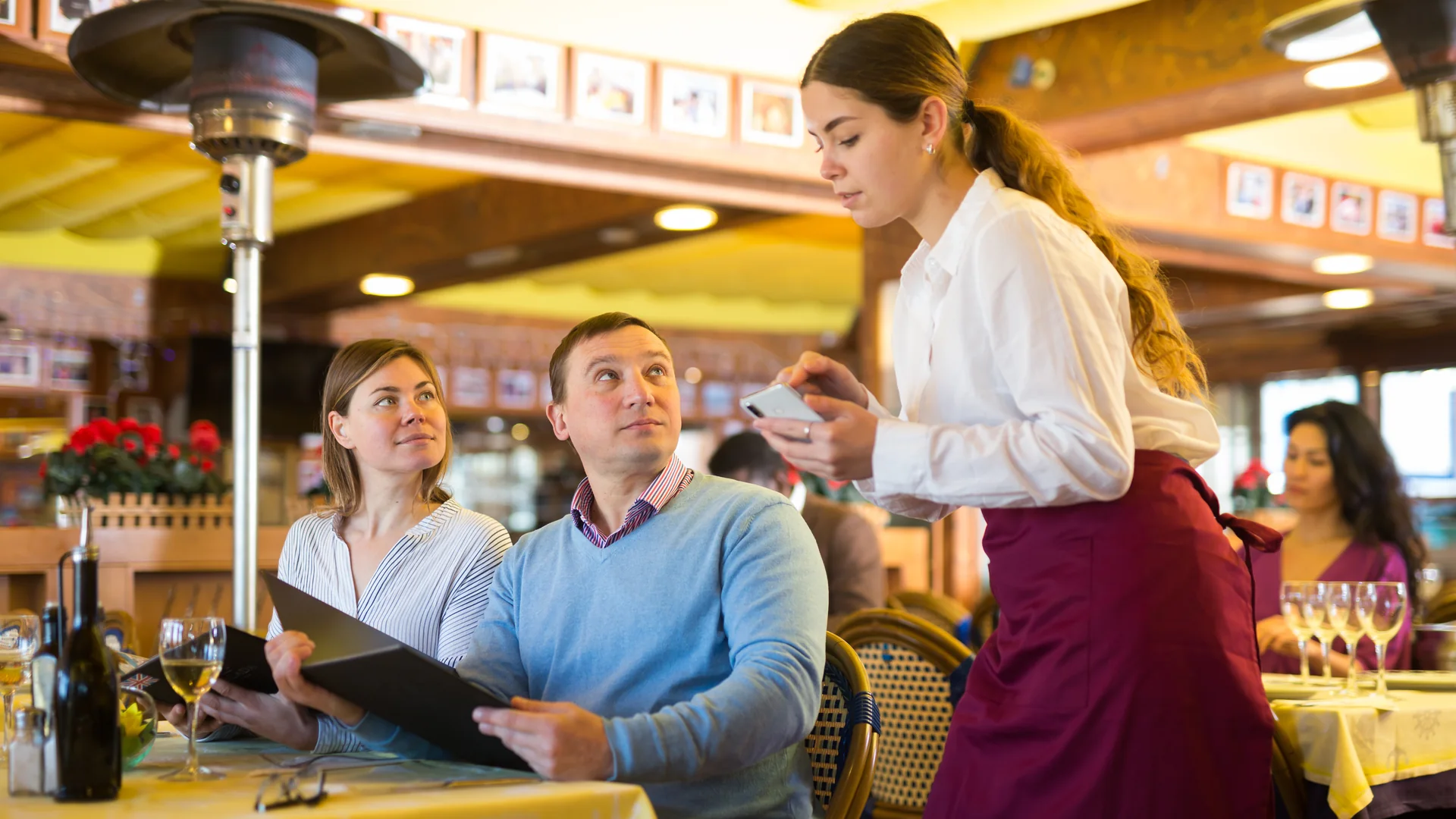





Restaurant operators have never had more ways to take orders. Guests can order from servers, QR codes, kiosks, mobile devices, online ordering platforms, and delivery channels. While these technologies create a better guest experience, they also increase complexity in the kitchen.
The challenge isn't getting orders into the system. The challenge is getting them prepared accurately and efficiently. For decades, restaurant chefs relied on kitchen printers and paper tickets to communicate orders from the front of house to the back of house. Today, many operators are replacing those workflows with a restaurant kitchen display system (KDS). But is a kitchen display screen really better than a kitchen printer?
The answer depends on your operation, but for most modern restaurants, breweries, food halls, entertainment venues, and hospitality businesses, the benefits of a KDS restaurant solution are difficult to ignore.
What Is a Kitchen Display Screen?
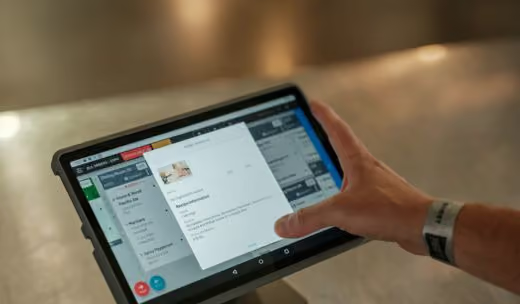
A kitchen display screen is a digital monitor that displays incoming orders in real time. Also known as a KDS screen, kitchen monitor, or kitchen screen system, it replaces traditional paper tickets with a digital workflow. When an order is placed through a POS terminal, mobile ordering platform, QR code, kiosk, or online ordering system, it automatically appears on the appropriate kitchen display screen.
Industry analysts project the global Kitchen Display System market to grow at annual rates ranging from approximately 7% to 13% over the next decade, driven by demand for automation, mobile ordering integration, and operational efficiency. Source
A modern restaurant kitchen display system allows kitchen staff to:
- View orders instantly
- See modifiers and special requests
- Prioritize tickets
- Track preparation times
- Update order status
- Coordinate across multiple stations
Unlike paper tickets, digital orders can be updated in real time, helping reduce errors and improve communication throughout the operation.
How Kitchen Printers Work
Kitchen printers have been the standard in restaurant operations for decades. When an order is entered into the POS system, a thermal printer generates a paper ticket containing the order details. The ticket is then used by kitchen staff to prepare the order.
Kitchen printers remain common because they are familiar, relatively inexpensive, and simple to implement. However, they also can create challenges:
- Tickets can be misplaced
- Changes require new printouts
- Communication remains manual
- No visibility into ticket times
- Limited reporting and analytics
- Increased paper and maintenance costs
As restaurants add new ordering channels, these limitations become more apparent.
Kitchen Display Screens vs Kitchen Printers
The most important difference between a kitchen display screen and a kitchen printer is visibility.
A printer creates a static piece of paper. A restaurant kitchen display system creates a live operational workflow.
For restaurants managing high order volumes, multiple stations, or multiple ordering channels, a KDS system for restaurants typically provides significantly more operational visibility.
How a Restaurant Kitchen Display System Improves Speed
Faster Order Routing
With paper tickets, orders must be printed, distributed, and organized before preparation begins. A restaurant kitchen display system eliminates those delays by routing orders directly to the correct station the moment they are placed. Grill items go to the grill station. Salads go to the salad station. Bar orders go to the bar.The result is faster preparation and less time spent managing tickets.
Real-Time Updates
Last-minute changes are common. Guests modify orders. Servers add notes. Managers remove unavailable items. With a kitchen printer, those updates often require reprinting and additional communication. A KDS screen updates instantly, ensuring every station is working from the same information.
Better Coordination Between Stations
One of the biggest causes of slow service is poor synchronization between kitchen stations. A kitchen display system helps teams coordinate timing across stations so that food is completed together rather than waiting in the window. This becomes especially valuable during busy lunch and dinner periods.
Improved Rush Management
During peak service, kitchen teams need visibility. A KDS restaurant system provides:
- Ticket timers
- Priority alerts
- Real-time order queues
- All-day counts
Instead of reacting to stacks of paper tickets, kitchen teams can proactively manage production.
How a KDS Restaurant Improves Accuracy
Speed is important, but accuracy is what creates repeat guests. A single mistake can result in food waste, remakes, refunds, and guest dissatisfaction.
What You Can Actually Measure With a KDS
One of the clearest differences between a paper workflow and a digital one is that a kitchen display system produces data a printer cannot. Every ticket carries a timestamp, so the operation can be measured rather than estimated.
Operators running a restaurant kitchen display system can track:
- Average ticket times by station and by shift
- Which items are most frequently modified, delayed, or remade
- Order volume by hour, and staffing against it
- Where tickets slow down between stations
These figures are what turn a kitchen display screen from a communication tool into a planning tool. Managers can forecast labor against real throughput, identify the stations that bottleneck during a rush, and spot menu items whose modifier patterns suggest a problem with how they are built or described.
Better Visibility for Modifiers
Special requests are often where errors occur. A kitchen display screen presents modifiers clearly and consistently, reducing confusion and improving execution.
Reduced Human Error
Paper tickets can be lost, damaged, or overlooked. Digital tickets remain visible until completed, helping reduce missed items and forgotten orders.
Automatic Station Routing
When an order contains items from multiple preparation areas, a KDS system for restaurants automatically routes each item to the correct station. This eliminates manual communication and helps ensure every item is prepared correctly.
Real-Time Communication
Because order status is updated digitally, front-of-house teams have greater visibility into kitchen progress. This improves guest communication and reduces unnecessary interruptions to kitchen staff.
When Kitchen Printers Still Make Sense
Kitchen display screens are not always an all-or-nothing replacement. Many restaurants successfully use both systems together. Kitchen printers may still make sense for:
- Backup workflows
- Specialty production areas
- Low-volume operations
- Certain expo stations
In many modern restaurants, the best approach is a kitchen display system supported by selective printer use where appropriate.
Case Study: Atomic Golf
At Atomic Golf in Las Vegas, operational complexity is part of the business model.
The venue combines golf, food, beverage service, events, and entertainment across a large footprint. Guests can order throughout the venue, creating multiple order origination points and significant coordination requirements. To support this environment, the operation needed technology capable of handling high volumes while maintaining service speed. A restaurant kitchen display system helps ensure orders reach the correct preparation areas quickly while giving operators visibility into kitchen performance during peak periods. For large entertainment venues, the ability to coordinate multiple service channels through a centralized kitchen workflow is critical.
Case Study: Aloma Cinema & Grill
Aloma Cinema & Grill presents a unique operational challenge. Guests are ordering food and beverages while watching a movie. Timing matters. Accuracy matters. Service disruptions must be minimized. Digital kitchen workflows help ensure orders are routed correctly, communicated clearly, and fulfilled efficiently. Rather than relying on paper-based communication, kitchen teams can prioritize orders and coordinate fulfillment through real-time kitchen display screens.
Case Study: Little Pub Company
Little Pub Company operates multiple neighborhood restaurant and bar locations throughout Colorado. As restaurant groups grow, consistency becomes increasingly important. A restaurant kitchen display system helps create standardized kitchen workflows across locations while improving visibility into operations and performance. For multi-unit operators, digital kitchen systems can help improve execution without increasing complexity.
Should Restaurants Use Both Kitchen Display Screens and Printers?
In many cases, yes. The most effective restaurant operations often use:
- Kitchen display systems as the primary workflow
- Select printers for backup or specialty functions
This approach combines the visibility and reporting benefits of digital workflows with the familiarity of printed tickets where needed.
What Is the Best Kitchen Display System for Restaurants?
The best restaurant kitchen display system is one that integrates seamlessly with the rest of your operation. Look for a solution that supports:
- POS integration
- Mobile ordering
- Online ordering
- QR ordering
- Self-order kiosks
- Multi-station routing
- Real-time reporting
- Multi-location operations
- Enhanced offline capabilities
GoTab's Kitchen Display System connects directly with POS terminals, mobile ordering, kiosks, and online ordering channels, helping operators create a unified workflow across the entire guest journey. Unlike cloud-only systems, GoTab's OpServer Offline Capabilities keep orders, payments, and kitchen workflows running during internet disruptions, ensuring uninterrupted service and automatic synchronization once connectivity returns. Whether you're operating a restaurant, brewery, food hall, entertainment venue, or hospitality concept, a modern KDS restaurant solution can help improve speed, accuracy, operational visibility, and resilience.
Choosing a Kitchen Display System: What to Check
Beyond the integration list above, a few practical criteria separate systems that work in a busy kitchen from systems that demo well:
- Device flexibility. Can it run on the hardware you already own — Android, iOS, or Windows — or does it require proprietary screens?
- Real-time updates with no sync lag. A modifier that reaches the screen five seconds late during a rush is a remake.
- Multi-station support and routing logic. How granular can routing get, and can you change it without a support ticket?
- Offline resilience. Service continues when connectivity drops, rather than falling back to pen and paper.
- Cloud-based management. Menu edits, routing rules, and display settings configurable remotely, across locations.
Implementation: Setup, Training, and Rollout
Deploying a kitchen display system is usually less disruptive than operators expect. Most systems install on existing tablets or commercial touchscreens, and routing and display settings can be configured remotely rather than station by station.
Training is typically measured in hours, not days — the interface is closer to a ticket rail than to a POS. The approach that causes the least disruption is a phased rollout: bring one or two stations onto the screens first, let the team adjust to bumping digitally, then extend to the rest of the kitchen. Running the printer alongside the screens during that first week gives the team a familiar fallback while the new workflow settles.
Common Pitfalls and How to Avoid Them
- Staff resistance. Kitchen teams have usually been burned by technology that made their job harder. Involve them before the decision is made, and lead with the parts that save them steps rather than the parts that give managers reporting.
- Network instability. A kitchen display system is only as reliable as the network under it. Confirm coverage at every station — including walk-ins, patios, and outbuildings — and choose a system that keeps working when the connection does not.
- Poor routing configuration. Most disappointing KDS deployments are configuration problems, not product problems. Define routing logic against how the kitchen actually works before go-live, and revisit it after the first busy week.
Frequently Asked Questions
What is a kitchen display screen?
A kitchen display screen is a digital monitor that displays restaurant orders in real time. It replaces paper tickets and helps kitchen staff manage order flow, preparation times, and communication more efficiently.
Is a KDS better than kitchen printers?
For most modern restaurants, a KDS provides greater visibility, faster updates, improved accuracy, and better reporting than kitchen printers. Many operators still use printers in select areas as backup workflows.
How does a restaurant kitchen display system work?
A restaurant kitchen display system receives orders from POS terminals, mobile ordering platforms, kiosks, and online ordering channels and automatically routes them to the appropriate kitchen stations.
What are the benefits of a KDS restaurant system?
A KDS restaurant system helps improve order accuracy, reduce communication errors, increase kitchen efficiency, shorten ticket times, and provide visibility into operational performance.
Can a kitchen display screen replace kitchen printers?
Yes. Many restaurants use kitchen display screens as their primary kitchen communication system. Others use a combination of screens and printers depending on their operational needs.
Does a kitchen display system integrate with a POS?
Yes. Modern kitchen display systems integrate directly with restaurant POS platforms, allowing orders to flow automatically from the point of sale to the kitchen.
What hardware is required for a kitchen display system?
Most systems require a commercial touchscreen display, mounting hardware, and a network connection. The exact requirements vary based on the restaurant's workflow and kitchen layout.
How long does it take to implement a KDS?
Implementation timelines vary by operation, but many restaurants can deploy a kitchen display system within days once workflows, stations, and routing rules are configured.