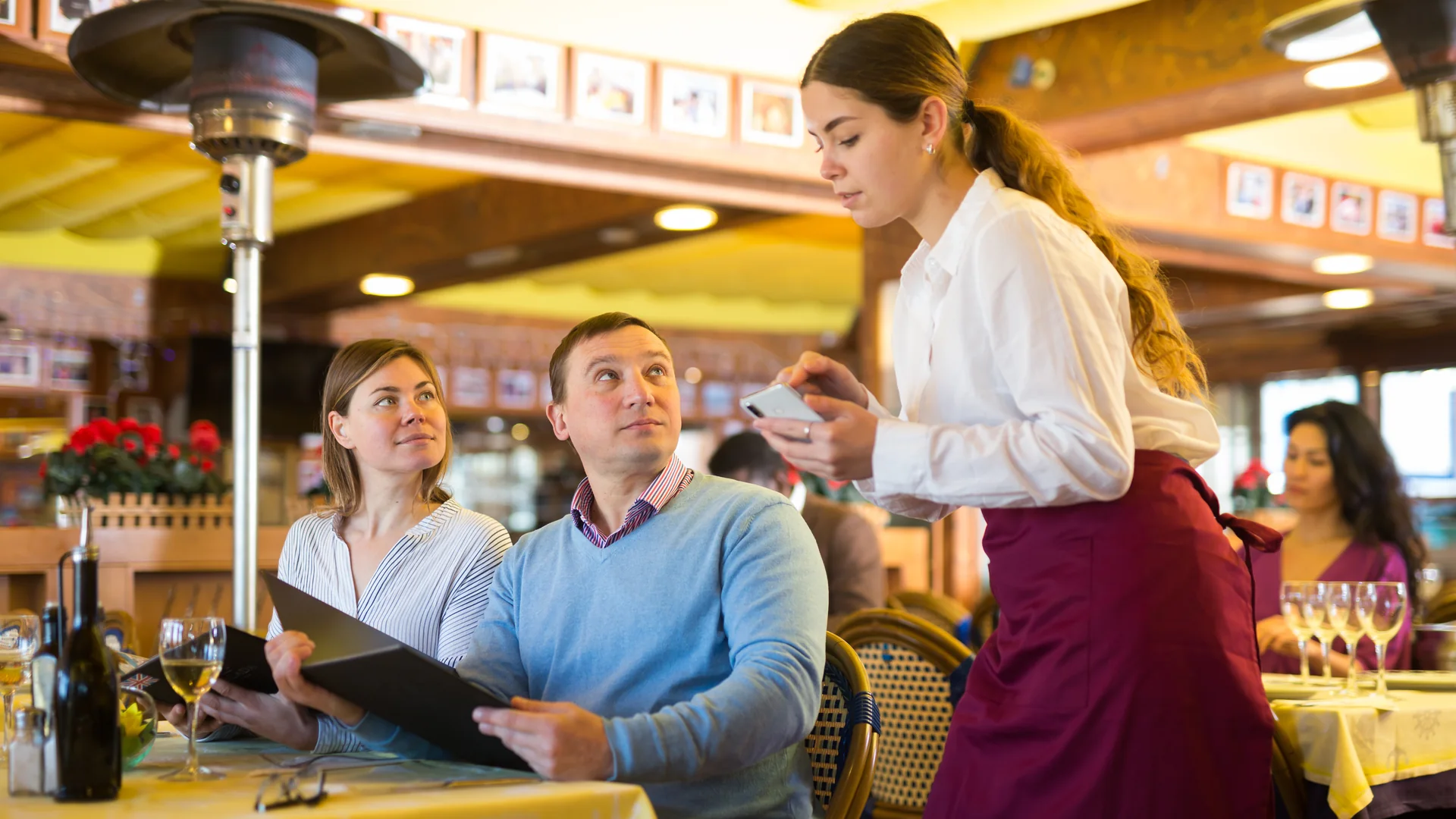




Los operadores de restaurantes nunca han tenido tantas formas de recibir pedidos. Los comensales pueden ordenar con un mesero, desde un código QR, en un kiosco, desde su celular, en plataformas de pedidos en línea y por canales de entrega a domicilio. Estas tecnologías mejoran la experiencia del huésped, pero también aumentan la complejidad en la cocina.
El reto no es que los pedidos entren al sistema. El reto es prepararlos con precisión y rapidez. Durante décadas, los chefs dependieron de impresoras de cocina y comandas en papel para comunicar los pedidos del área de servicio a la cocina. Hoy, muchos operadores están reemplazando ese flujo de trabajo con un sistema de pantallas de cocina (KDS). Pero ¿realmente es mejor una pantalla de cocina que una impresora?
La respuesta depende de tu operación, aunque para la mayoría de los restaurantes, cervecerías, mercados gastronómicos, centros de entretenimiento y negocios de hospitalidad modernos, las ventajas de un KDS son difíciles de ignorar.
¿Qué Es una Pantalla de Cocina?
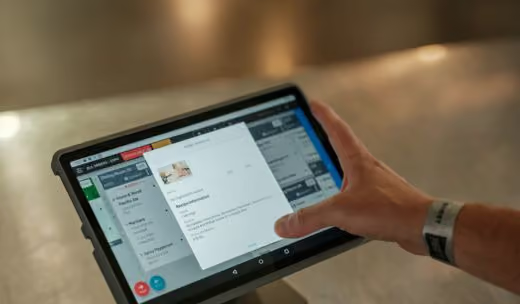
Una pantalla de cocina es un monitor digital que muestra los pedidos entrantes en tiempo real. También conocida como pantalla KDS, monitor de cocina o sistema de pantallas de cocina, sustituye las comandas en papel por un flujo de trabajo digital. Cuando se levanta un pedido desde una terminal POS, una plataforma de pedidos móviles, un código QR, un kiosco o un sistema de pedidos en línea, este aparece automáticamente en la pantalla de cocina correspondiente.
Los analistas del sector proyectan que el mercado global de sistemas de pantallas de cocina crecerá a tasas anuales de entre 7% y 13% aproximadamente durante la próxima década, impulsado por la demanda de automatización, la integración con pedidos móviles y la eficiencia operativa. Fuente
Un sistema de pantallas de cocina moderno permite al personal:
- Ver los pedidos al instante
- Consultar modificadores y peticiones especiales
- Priorizar comandas
- Medir los tiempos de preparación
- Actualizar el estatus de cada pedido
- Coordinarse entre varias estaciones
A diferencia de las comandas en papel, los pedidos digitales se actualizan en tiempo real, lo que ayuda a reducir errores y a mejorar la comunicación en toda la operación.
Cómo Funcionan las Impresoras de Cocina
Las impresoras de cocina han sido el estándar en la operación de restaurantes durante décadas. Cuando un pedido se captura en el POS, una impresora térmica genera una comanda en papel con los detalles. El personal de cocina usa esa comanda para preparar el pedido.
Las impresoras siguen siendo comunes porque son conocidas, relativamente económicas y fáciles de implementar. Sin embargo, también generan problemas:
- Las comandas se traspapelan
- Cada cambio exige una nueva impresión
- La comunicación sigue siendo manual
- No hay visibilidad de los tiempos de comanda
- Los reportes y la analítica son limitados
- Aumentan los costos de papel y mantenimiento
Conforme los restaurantes suman canales de pedido, estas limitaciones se vuelven más evidentes.
Pantallas de Cocina vs. Impresoras de Cocina
La diferencia más importante entre una pantalla de cocina y una impresora es la visibilidad.
Una impresora produce un papel estático. Un sistema de pantallas de cocina produce un flujo de trabajo operativo vivo.
Para los restaurantes que manejan altos volúmenes de pedidos, varias estaciones o múltiples canales de venta, un KDS suele ofrecer mucha más visibilidad operativa.
Cómo un Sistema de Pantallas de Cocina Mejora la Velocidad
Ruteo de Pedidos Más Rápido
Con comandas en papel, los pedidos deben imprimirse, repartirse y organizarse antes de empezar a prepararse. Un sistema de pantallas de cocina elimina esos tiempos muertos al enviar cada pedido directamente a la estación correcta en el momento en que se levanta. Lo de la parrilla va a la parrilla. Las ensaladas a la estación de fríos. Los pedidos de bebidas a la barra. El resultado es una preparación más rápida y menos tiempo administrando papeles.
Actualizaciones en Tiempo Real
Los cambios de último minuto son parte del negocio. Los comensales modifican su pedido. Los meseros agregan notas. Los gerentes dan de baja productos agotados. Con una impresora, esas actualizaciones suelen requerir una reimpresión y comunicación adicional. Una pantalla KDS se actualiza al instante, de modo que todas las estaciones trabajan con la misma información.
Mejor Coordinación Entre Estaciones
Una de las principales causas de un servicio lento es la falta de sincronización entre estaciones. Un sistema de pantallas de cocina ayuda a los equipos a coordinar los tiempos para que los platillos salgan juntos en lugar de esperar en la ventana. Esto se vuelve especialmente valioso en las horas pico de comida y cena.
Mejor Manejo de las Horas Pico
Durante el servicio más fuerte, los equipos de cocina necesitan visibilidad. Un KDS ofrece:
- Cronómetros por comanda
- Alertas de prioridad
- Filas de pedidos en tiempo real
- Conteos acumulados del día
En lugar de reaccionar ante montones de comandas en papel, los equipos pueden gestionar la producción de forma proactiva.
Cómo un KDS Mejora la Precisión
La velocidad importa, pero la precisión es lo que hace que los clientes regresen. Un solo error se traduce en merma, reposiciones, reembolsos y clientes insatisfechos.
Mayor Visibilidad de los Modificadores
Las peticiones especiales son donde más se cometen errores. Una pantalla de cocina presenta los modificadores de forma clara y consistente, lo que reduce confusiones y mejora la ejecución.
Menos Errores Humanos
Las comandas en papel se pierden, se manchan o se pasan por alto. Las comandas digitales permanecen visibles hasta que se completan, lo que ayuda a reducir productos olvidados y pedidos sin atender.
Ruteo Automático por Estación
Cuando un pedido incluye productos de distintas áreas de preparación, el KDS envía automáticamente cada uno a la estación correcta. Esto elimina la comunicación manual y ayuda a garantizar que todo se prepare correctamente.
Comunicación en Tiempo Real
Como el estatus de cada pedido se actualiza de forma digital, el equipo de servicio tiene mayor visibilidad del avance en cocina. Esto mejora la comunicación con el comensal y reduce interrupciones innecesarias al personal de cocina.
Qué Puedes Medir Realmente con un KDS
Una de las diferencias más claras entre un flujo de trabajo en papel y uno digital es que el sistema de pantallas de cocina genera datos que una impresora no puede producir. Cada comanda lleva una marca de tiempo, así que la operación se puede medir en lugar de estimarse.
Con un sistema de pantallas de cocina, los operadores pueden dar seguimiento a:
- Tiempos promedio de comanda por estación y por turno
- Qué productos se modifican, se retrasan o se reponen con más frecuencia
- Volumen de pedidos por hora, y la plantilla asignada frente a ese volumen
- En qué punto entre estaciones se atrasan las comandas
Estas cifras son las que convierten a la pantalla de cocina de una herramienta de comunicación en una herramienta de planeación. Los gerentes pueden proyectar la plantilla con base en el flujo real, identificar las estaciones que se convierten en cuello de botella durante el pico y detectar productos cuyos patrones de modificadores revelan un problema en cómo están armados o descritos en el menú.
Cuándo las Impresoras de Cocina Siguen Teniendo Sentido
Las pantallas de cocina no siempre son un reemplazo total. Muchos restaurantes usan ambos sistemas con buenos resultados. Las impresoras pueden seguir siendo útiles para:
- Flujos de respaldo
- Áreas de producción especializadas
- Operaciones de bajo volumen
- Ciertas estaciones de expo
En muchos restaurantes modernos, el mejor enfoque es un sistema de pantallas de cocina apoyado por impresoras en los puntos donde realmente aportan.
Caso de Éxito: Atomic Golf
En Atomic Golf, en Las Vegas, la complejidad operativa es parte del modelo de negocio.
El lugar combina golf, alimentos, servicio de bebidas, eventos y entretenimiento en una superficie enorme. Los huéspedes pueden ordenar desde cualquier punto del venue, lo que genera múltiples orígenes de pedido y una necesidad importante de coordinación. Para sostener ese entorno, la operación necesitaba tecnología capaz de manejar altos volúmenes sin sacrificar la velocidad de servicio. Un sistema de pantallas de cocina ayuda a que los pedidos lleguen rápido al área de preparación correcta, y da a los operadores visibilidad del desempeño de la cocina en los momentos de mayor demanda. Para venues de entretenimiento de gran escala, poder coordinar varios canales de servicio desde un flujo de cocina centralizado resulta crítico.
Caso de Éxito: Aloma Cinema & Grill
Aloma Cinema & Grill plantea un reto operativo particular. Los comensales ordenan alimentos y bebidas mientras ven una película. El tiempo importa. La precisión importa. Las interrupciones al servicio deben reducirse al mínimo. Los flujos de trabajo digitales ayudan a que los pedidos se ruteen correctamente, se comuniquen con claridad y se cumplan con eficiencia. En lugar de depender de la comunicación en papel, los equipos de cocina pueden priorizar pedidos y coordinar su entrega mediante pantallas de cocina en tiempo real.
Caso de Éxito: Little Pub Company
Little Pub Company opera varios restaurantes y bares de barrio en Colorado. Conforme crecen los grupos restauranteros, la consistencia se vuelve cada vez más importante. Un sistema de pantallas de cocina ayuda a estandarizar los flujos de trabajo entre sucursales, a la vez que mejora la visibilidad de la operación y su desempeño. Para operadores multiunidad, los sistemas digitales de cocina pueden mejorar la ejecución sin sumar complejidad.
¿Conviene Usar Pantallas e Impresoras a la Vez?
En muchos casos, sí. Las operaciones más efectivas suelen usar:
- El sistema de pantallas de cocina como flujo principal
- Algunas impresoras para respaldo o funciones especializadas
Este enfoque combina la visibilidad y los reportes de un flujo digital con la familiaridad de la comanda impresa donde hace falta.
¿Cuál Es el Mejor Sistema de Pantallas de Cocina para Restaurantes?
El mejor sistema de pantallas de cocina es el que se integra sin fricción con el resto de tu operación. Busca una solución que soporte:
- Integración con POS
- Pedidos desde el celular
- Pedidos en línea
- Pedidos por código QR
- Kioscos de autoservicio
- Ruteo entre múltiples estaciones
- Reportes en tiempo real
- Operaciones multisucursal
- Capacidades reforzadas sin conexión
El Sistema de Pantallas de Cocina de GoTab se conecta directamente con terminales POS, pedidos móviles, kioscos y canales de pedidos en línea, lo que ayuda a los operadores a construir un flujo unificado a lo largo de todo el recorrido del huésped. A diferencia de los sistemas que solo funcionan en la nube, las capacidades sin conexión de OpServer de GoTab mantienen funcionando los pedidos, los pagos y los flujos de cocina durante una caída de internet, garantizando un servicio ininterrumpido y la sincronización automática en cuanto se restablece la conexión. Ya sea que operes un restaurante, una cervecería, un mercado gastronómico, un centro de entretenimiento o un concepto de hospitalidad, un KDS moderno puede mejorar la velocidad, la precisión, la visibilidad operativa y la resiliencia.
Cómo Elegir un Sistema de Pantallas de Cocina: Qué Revisar
Más allá de la lista de integraciones anterior, hay algunos criterios prácticos que distinguen a los sistemas que funcionan en una cocina saturada de los que solo lucen bien en una demo:
- Flexibilidad de dispositivo. ¿Corre en el hardware que ya tienes —Android, iOS o Windows— o exige pantallas propietarias?
- Actualizaciones en tiempo real, sin retraso de sincronización. Un modificador que llega a la pantalla cinco segundos tarde en plena hora pico es un platillo repuesto.
- Soporte multiestación y lógica de ruteo. ¿Qué tan granular puede ser el ruteo, y puedes modificarlo sin levantar un ticket de soporte?
- Resiliencia sin conexión. Que el servicio continúe cuando se cae la red, en lugar de volver al papel y la pluma.
- Administración en la nube. Cambios de menú, reglas de ruteo y configuración de pantallas, todo administrable de forma remota y entre sucursales.
Implementación: Instalación, Capacitación y Puesta en Marcha
Implementar un sistema de pantallas de cocina suele ser menos disruptivo de lo que los operadores esperan. La mayoría de los sistemas se instalan en tabletas o pantallas táctiles comerciales que ya tienes, y la configuración de ruteo y de pantallas puede hacerse de forma remota en lugar de estación por estación.
La capacitación se mide en horas, no en días: la interfaz se parece más a un riel de comandas que a un POS. El enfoque que menos interrumpe la operación es un despliegue por etapas: lleva primero una o dos estaciones a las pantallas, deja que el equipo se acostumbre a cerrar comandas en digital y luego extiéndelo al resto de la cocina. Mantener la impresora funcionando junto a las pantallas durante esa primera semana le da al equipo un respaldo conocido mientras el nuevo flujo se asienta.
Errores Comunes y Cómo Evitarlos
- Resistencia del equipo. Los equipos de cocina casi siempre han sufrido alguna tecnología que les complicó el trabajo. Involúcralos antes de tomar la decisión y arranca por lo que les ahorra pasos, no por lo que le da reportes a la gerencia.
- Red inestable. Un sistema de pantallas de cocina es tan confiable como la red que lo sostiene. Verifica la cobertura en cada estación —incluidos cuartos fríos, terrazas y áreas exteriores— y elige un sistema que siga operando cuando la conexión no lo haga.
- Ruteo mal configurado. La mayoría de las implementaciones decepcionantes son problemas de configuración, no de producto. Define la lógica de ruteo con base en cómo funciona realmente la cocina antes de salir a producción, y revísala después de la primera semana fuerte.
Preguntas Frecuentes
¿Qué es una pantalla de cocina?
Una pantalla de cocina es un monitor digital que muestra los pedidos del restaurante en tiempo real. Sustituye las comandas en papel y ayuda al personal de cocina a gestionar el flujo de pedidos, los tiempos de preparación y la comunicación de forma más eficiente.
¿Es mejor un KDS que las impresoras de cocina?
Para la mayoría de los restaurantes modernos, un KDS ofrece mayor visibilidad, actualizaciones más rápidas, mejor precisión y mejores reportes que una impresora de cocina. Muchos operadores conservan impresoras en ciertas áreas como flujo de respaldo.
¿Cómo funciona un sistema de pantallas de cocina?
Un sistema de pantallas de cocina recibe pedidos desde terminales POS, plataformas de pedidos móviles, kioscos y canales de pedidos en línea, y los rutea automáticamente a las estaciones de cocina correspondientes.
¿Cuáles son los beneficios de un KDS en un restaurante?
Un KDS ayuda a mejorar la precisión de los pedidos, reducir errores de comunicación, aumentar la eficiencia de la cocina, acortar los tiempos de comanda y dar visibilidad del desempeño operativo.
¿Una pantalla de cocina puede reemplazar por completo a las impresoras?
Sí. Muchos restaurantes usan las pantallas de cocina como su sistema principal de comunicación. Otros combinan pantallas e impresoras según las necesidades de su operación.
¿Un sistema de pantallas de cocina se integra con el POS?
Sí. Los sistemas de pantallas de cocina modernos se integran directamente con las plataformas POS del restaurante, de modo que los pedidos fluyen automáticamente del punto de venta a la cocina.
¿Qué hardware se necesita para un sistema de pantallas de cocina?
La mayoría de los sistemas requieren una pantalla táctil de grado comercial, herrajes de montaje y una conexión de red. Los requisitos exactos varían según el flujo de trabajo y la distribución de la cocina.
¿Cuánto tarda implementar un KDS?
Los tiempos varían según la operación, pero muchos restaurantes pueden poner en marcha un sistema de pantallas de cocina en cuestión de días, una vez definidos los flujos, las estaciones y las reglas de ruteo.